As AI tools and online platforms continue to grow rapidly, phone number verification has become a standard requirement for account creation and security. However, a common and frustrating barrier stands in the way: many of these services require a US phone number for account verification. Whether you’re a developer, a creative professional, or a tech enthusiast living outside the United States, this verification wall can block your progress.
This blog explains how a US second phone number helps phone verification, and how apps like TrueNumber make the process simple, private, and reliable.
Common Problems with Using Your Personal Phone Number
Common Platforms That Require US SMS-Based OTP Verification
-
AI & Development Platforms: OpenAI (ChatGPT, API access), Claude AI, various Google services requiring advanced access.
-
Social & Communication Apps: Telegram (for certain features), Discord (for server administration/verification), newer community platforms.
-
Financial & Gig Platforms: PayPal (US version), Stripe, Venmo, as well as freelance sites like Upwork or Fiverr when accessing from certain regions.
-
General Online Services: Email providers, cloud services, and gaming platforms that employ strict security measures.
What Is a US Second Phone Number?
TrueNumber: Your Gateway to a US Number
Why TrueNumber Stands Out:
-
Instant Activation: Get a working US phone number within seconds of signing up. No lengthy contracts or complex setup.
-
High Verification Success Rate: TrueNumber numbers are recognized as real mobile numbers by platforms like OpenAI, Google, and social media apps, leading to a much higher success rate for receiving SMS codes compared to some VoIP alternatives.
-
Real Privacy Focus: Your TrueNumber is your own. The service is built with privacy in mind, ensuring your communications and data are secure.
-
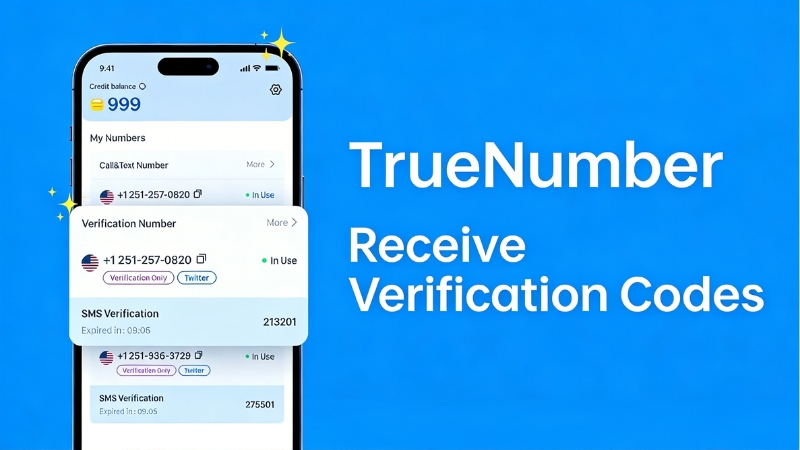
Full Functionality: Receive SMS verification codes seamlessly. Depending on the plan, you can also make calls and send texts, making it a versatile communication tool.
-
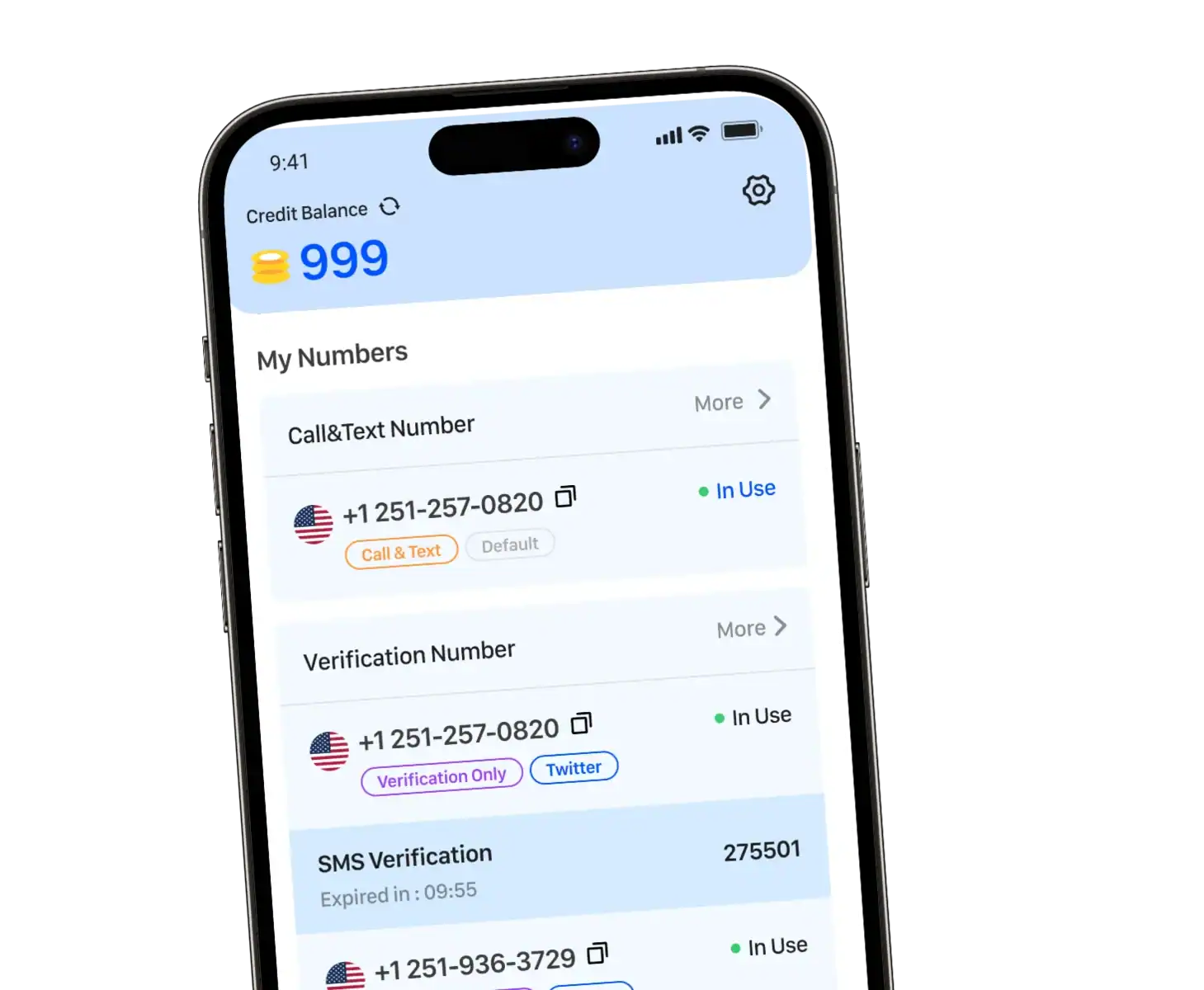
Clean, User-Friendly App: Manage your number easily from an intuitive mobile application.
How to Get Started with TrueNumber for AI Tools & Online Accounts
- Download & Sign Up: Get the TrueNumber app from the App Store or Google Play. Create your account.
- Choose Your US Number: Select your preferred US area code or choose from available numbers.
- Verify and Use: The number is instantly active. Use it the next time you sign up for an AI tool, social media account, or any online service that asks for a US phone number. Enter the verification code you receive in the TrueNumber app.
- Stay Organized: Use your TrueNumber consistently for all your “digital identity” needs to keep your accounts secure and separate.
Best Practices for Using a Second Number
-
Treat It Like a Real Number: While it’s a second number, it’s tied to your important accounts. Keep the app installed and accessible.
-
Check for Long-Term Needs: If you plan to use a crucial service (like a primary OpenAI API account) for years, consider a long-term number subscription to avoid the hassle of changing numbers later.
-
Combine with a Secure Email: For maximum security and organization, create a dedicated email address to use alongside your TrueNumber when signing up for new accounts.
As AI tools become part of everyday work and life, phone number verification is no longer optional. Using your personal number everywhere isn’t always safe or practical.
A US second phone number offers a simple solution—protecting your privacy while improving verification success. With TrueNumber, you get a reliable US number that works seamlessly for AI tools and online accounts.
Get Your US Second Phone Number Today
Activate your US second phone number with TrueNumber and register for AI tools confidently—without risking your personal privacy.
Download the app and get started in minutes.