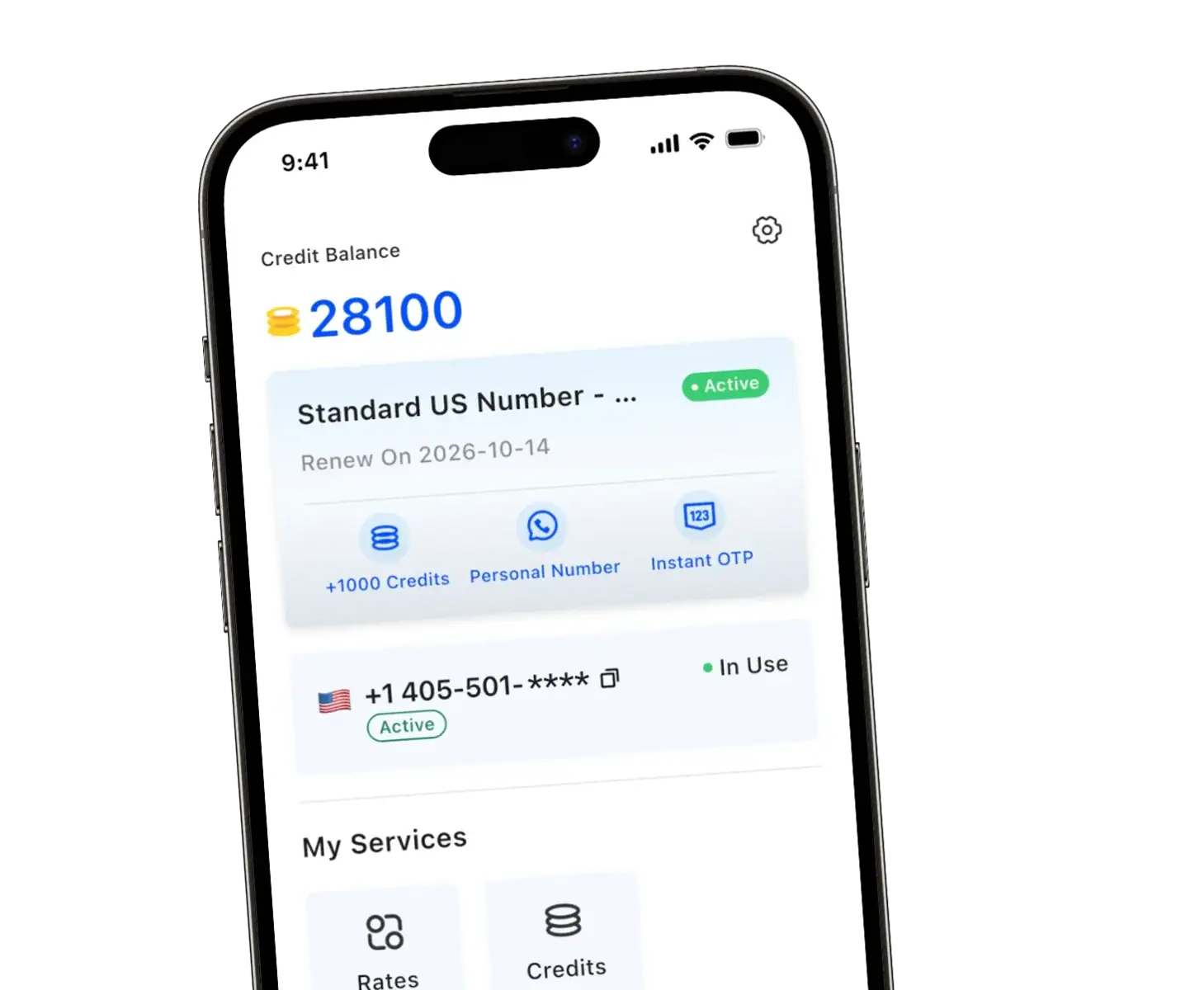
Need to register for Venmo but want to protect your privacy or don’t have access to a traditional phone number? A virtual phone number might be your solution.
Whether you’re concerned about privacy, managing accounts, or accessing Venmo from outside the US, using a temporary phone number for Venmo has become an increasingly popular option. This guide walks you through everything you need to know.
Common Types of Virtual Phone Services:
- VoIP-based numbers – Powered by Voice over Internet Protocol technology
- App-based services – Accessed through mobile applications
- Temporary numbers – Short-term disposable options
- Long-term virtual lines – Permanent alternatives to traditional numbers
Why Use a 2nd Number for Venmo?
Privacy Protection
By using a virtual number, you can create a Venmo account without exposing your personal contact information, establishing a protective barrier between your financial transactions and your primary details. This means reduced spam calls, limited exposure during data breaches, and greater control over who has access to your real information.
Security and Account Management
A dedicated number for your Venmo account adds an extra security layer. If your virtual number is compromised, you can replace it without changing your personal number across other accounts.
Virtual numbers also make it easier to manage account without exposing multiple contact points.
International Access
Venmo requires a US-based phone number during registration. International users or travelers who want to use Venmo can obtain a US virtual number to meet this requirement and access the payment service.
Convenience and Flexibility
Virtual numbers offer unmatched benefits. They’re easy to set up without visiting a carrier store, often free or low-cost, accessible from any device with internet connection, and simple to change if needed.
How to Get and Use a Virtual Phone Number for Venmo Registration
Setting up Venmo with a virtual number is straightforward when you follow the right steps and choose the appropriate service provider.
Step-by-Step Registration Process
Step 1: Choose Your 2nd Number Provider
Select a service based on your needs: temporary versus long-term use, budget, reliability, and regional availability.
Step 2: Set Up Your Virtual Phone Number
Download the provider’s app or access their platform, complete registration, and select a US-based number. Test it by sending yourself a text to confirm SMS reception.
Step 3: Create Your Venmo Account
Open the Venmo app and enter your email, password, and personal information. When prompted for a phone number for Venmo, enter your virtual number.
Step 4: Complete Venmo Verification
Check your virtual phone service for the verification code sent by Venmo and enter it in the app. Request a resend if the code doesn’t arrive within two to three minutes.
Step 5: Finalize Your Account
Link a bank account or debit card, provide additional identity information if requested, and set up security features like PIN or biometric authentication. Once complete, you can send and receive money through the payment service.
Important Tips for Success
- Maintain Number Access: Keep your number active to avoid account recovery issues. Pay subscriptions on time and maintain activity requirements for free services.
- Choose Reliable Services: Paid services offer better stability and number retention than free options, which may recycle numbers after inactivity.
- Verify SMS Compatibility: Confirm your chosen service supports SMS reception before committing, as some VoIP services only handle voice calls.
Types of Virtual Number Services for Venmo
Not all virtual phone services work reliably for Venmo verification. Virtual number providers generally fall into three categories:
Free Ad-Supported Services
These providers offer basic virtual phone functionality at no cost, supported by advertising. They provide reliable SMS reception for verification codes, though most require an existing phone number during setup and may have geographical restrictions. Free services may recycle inactive numbers after extended periods of non-use.
Premium Subscription Services
Privacy-focused providers offer virtual numbers through monthly or annual subscriptions. These services provide higher reliability, allow multiple numbers per account, and include additional privacy features with better long-term number stability.
Pay-Per-Use Temporary Number Services
Designed for temporary communication needs, these services charge based on usage duration. They typically demonstrate higher success rates with verification processes and offer flexible pricing, ideal for time-limited purposes.
About TrueNumber
Take control of your privacy with TrueNumber! Get anonymous calls, secure texts, and multiple virtual numbers—all in one app. Protect your personal information and manage accounts without revealing your real number. Enjoy clear call quality, SMS verification, and customizable features. Get your second phone number today and experience true privacy with TrueNumber>>>
Frequently Asked Questions
Can Venmo detect or block virtual phone numbers?
Venmo can sometimes identify these numbers, especially from free services. Most reputable providers work fine, but if rejected, try a different provider or use a paid service for better acceptance rates.
What happens if I lose access to my virtual number?
You may get locked out during password resets or verification. Contact Venmo support immediately to update your number using alternative verification methods like email, bank information, or ID.
Can I switch from a virtual number to a real number later?
Yes, anytime. Go to Settings > Phone Numbers, add your new number, verify your account with the SMS code, then remove the old virtual number.