If you receive a verification code you didn’t request, don’t share it or follow links in the message. Check the relevant account through its official app. An unexpected code deserves attention, but it doesn’t automatically mean someone has accessed your account.
Why Are You Getting Unexpected Verification Codes?
A one-time passcode, or OTP, may authorize a sign-in, password reset, registration, or another action. The purpose matters more than the number of digits.
Microsoft’s verification-code guidance identifies several possible explanations, including an access attempt, a mistyped phone number, or delayed delivery.
| Situation | Possible explanation | Your next step |
| A code for a service you don’t use | Someone may have entered your number by mistake | Don’t use or forward the code |
| A code arrives after your earlier login attempt | Delivery may have been delayed | Check what you actually requested |
| A sign-in or reset code for your account | Someone may be attempting an account action | Review activity through the official service |
| A code followed by someone asking for it | A verification-code scam may be underway | Stop the conversation and verify independently |
Different services trigger codes at different stages. You can’t conclude that someone knows your password solely because a random verification code text arrived.
What to Do First
- Keep the code private. Don’t read it to a caller, forward it, or send a screenshot containing it.
- Don’t use the message as your doorway. Open the service’s installed app or a website address you already trust.
- Check your own recent actions. Did you request a code earlier or start a login on another device?
- Review the affected account. Look for unfamiliar sign-ins, devices, or security changes.
- Follow the service’s security instructions. Escalate if you find unauthorized activity or lose access.
A familiar sender label isn’t enough to settle the question. Focus on whether you initiated the action and what the account itself shows.
If you don’t recognize the service, don’t enter the code to investigate an unfamiliar account. Contact the service through its official support channel if the messages persist.
Check the Account, Not Just the Text
For an account you own, review these items:
- Recent security events: Sign-ins or password changes you don’t recognize.
- Signed-in devices: Sessions that don’t belong to you.
- Recovery details: An unfamiliar recovery email address or phone number.
- Authentication settings: Methods added or changed without your permission.
Google’s compromised-account guide provides a practical example of this review. Use the equivalent security page for whichever service sent the code.
If you discover unauthorized activity, change the password and follow the service’s instructions for removing unfamiliar devices and correcting recovery details.
If you reused that password elsewhere, replace it on those accounts too. If you’re locked out, use the provider’s official recovery process.
For Login.gov specifically, its unrequested-code guidance recommends changing your password, checking authentication methods, and regenerating backup codes where configured.
Watch for Someone Asking You to “Help”
A genuine code can become part of a scam. Someone triggers it, then contacts you with a reason you should hand it over.
The FTC warns about callers impersonating trusted organizations and asking for verification codes while claiming to fix an account problem.
Don’t share an unsolicited login or reset code with someone who contacted you. End the interaction and reach the organization independently.
Online sellers face a related trick. A supposed buyer asks you to provide a code to prove your listing is genuine.
The FTC documents this in its Google Voice scam explanation: the code can be used to link your number to another service. It isn’t proof that you’re a trustworthy seller.
If Codes Keep Coming—or You Already Shared One
Repeated codes
Note the service, timing, and whether the requests relate to an account you own. Repetition alone doesn’t tell you which cause applies.
Check the account directly and contact its official support team if requests continue. Don’t disable two-factor authentication simply to stop the messages.
Where supported, consider a passkey or security key. Google’s two-step verification guidance explains that these methods protect against phishing. Keep secure recovery options available.
A code was disclosed
Stop communicating with the person who requested it. Identify the service and the action the code authorized, then use that provider’s official security or recovery instructions.
Don’t wait for visible damage before reviewing access. A password change alone may not reverse a linked-number action or every other change a code permitted.
If you also lose cellular service unexpectedly, contact your carrier through a trusted channel. The FTC lists loss of calls, texts, or data among possible SIM-swap warning signs.
Keep Public Contacts Separate With TrueNumber
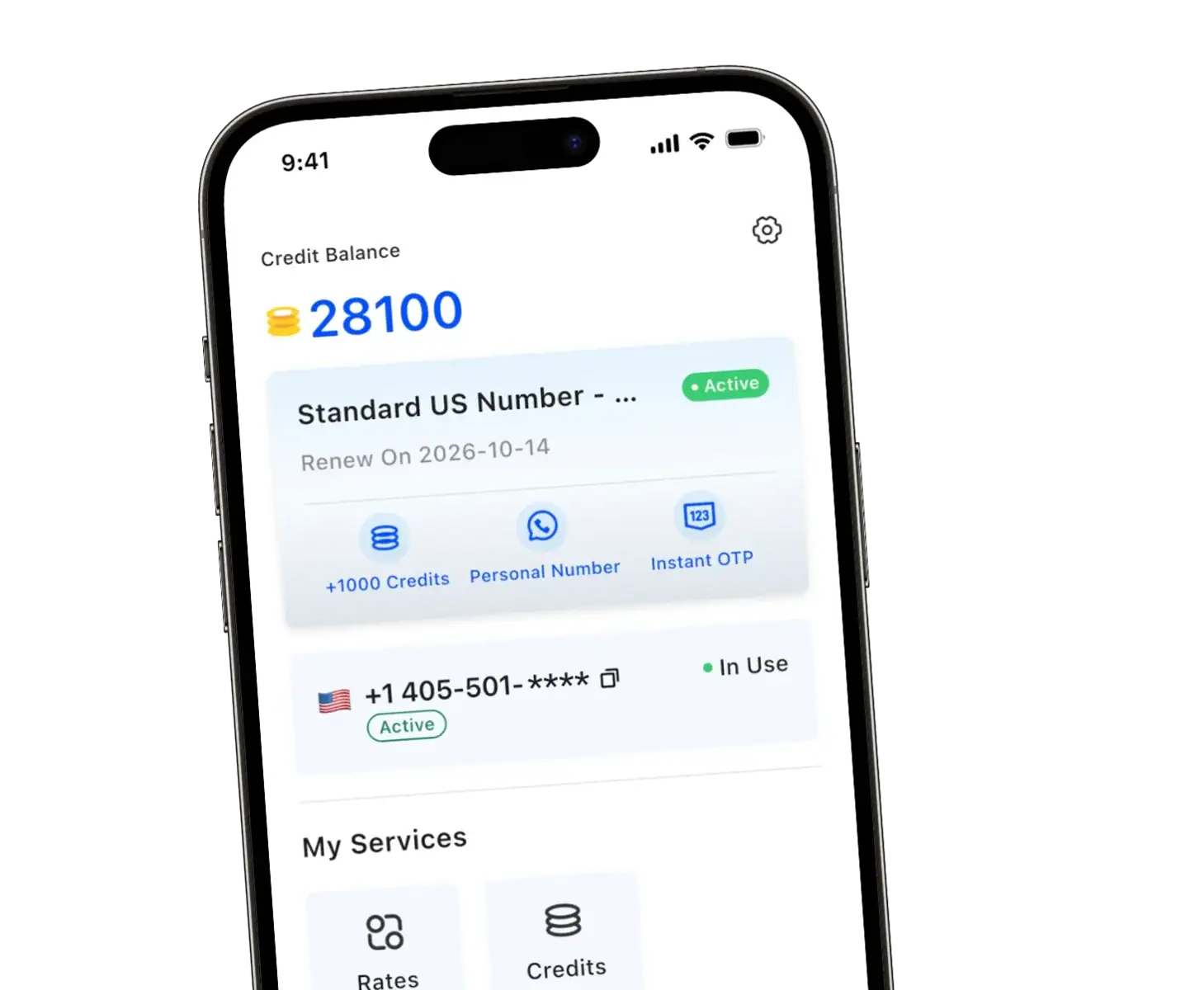
You don’t need to give every marketplace buyer, customer, or new contact your main phone number. With TrueNumber, we provide a separate US number for calls, texts, and verification needs without an additional SIM card.
Use it for conversations that don’t need access to your personal line. Our guide to protecting your privacy with a second phone number explains how that separation works.
For accounts that accept your chosen number, keep it active if you’ll need future verification or recovery. Record which account uses which number.
A second number helps you manage where you share contact details. It doesn’t prevent every unsolicited code or make sharing an OTP safe.
FAQs about Verification Codes You Didn’t Request
Does an unexpected code mean I’ve been hacked?
Not necessarily. Mistyped numbers, delayed messages, and access attempts are different possibilities. Check account activity rather than diagnosing a takeover from the text alone.
Can I delete a code I didn’t request?
Yes, after checking any relevant account concerns. If you need to report a pattern, record the service and timing without sharing usable codes.
Should I block the sender?
Be careful if that sender also delivers codes you need. Secure the account and consult the provider before blocking a legitimate authentication channel.
Choose a Separate Number for Everyday Contacts
At TrueNumber, we help you keep your main number private while staying reachable through calls and texts. Choose short-term use or keep your number for ongoing communication.
Explore our TrueNumber features, or contact us for help choosing how to use your second number.