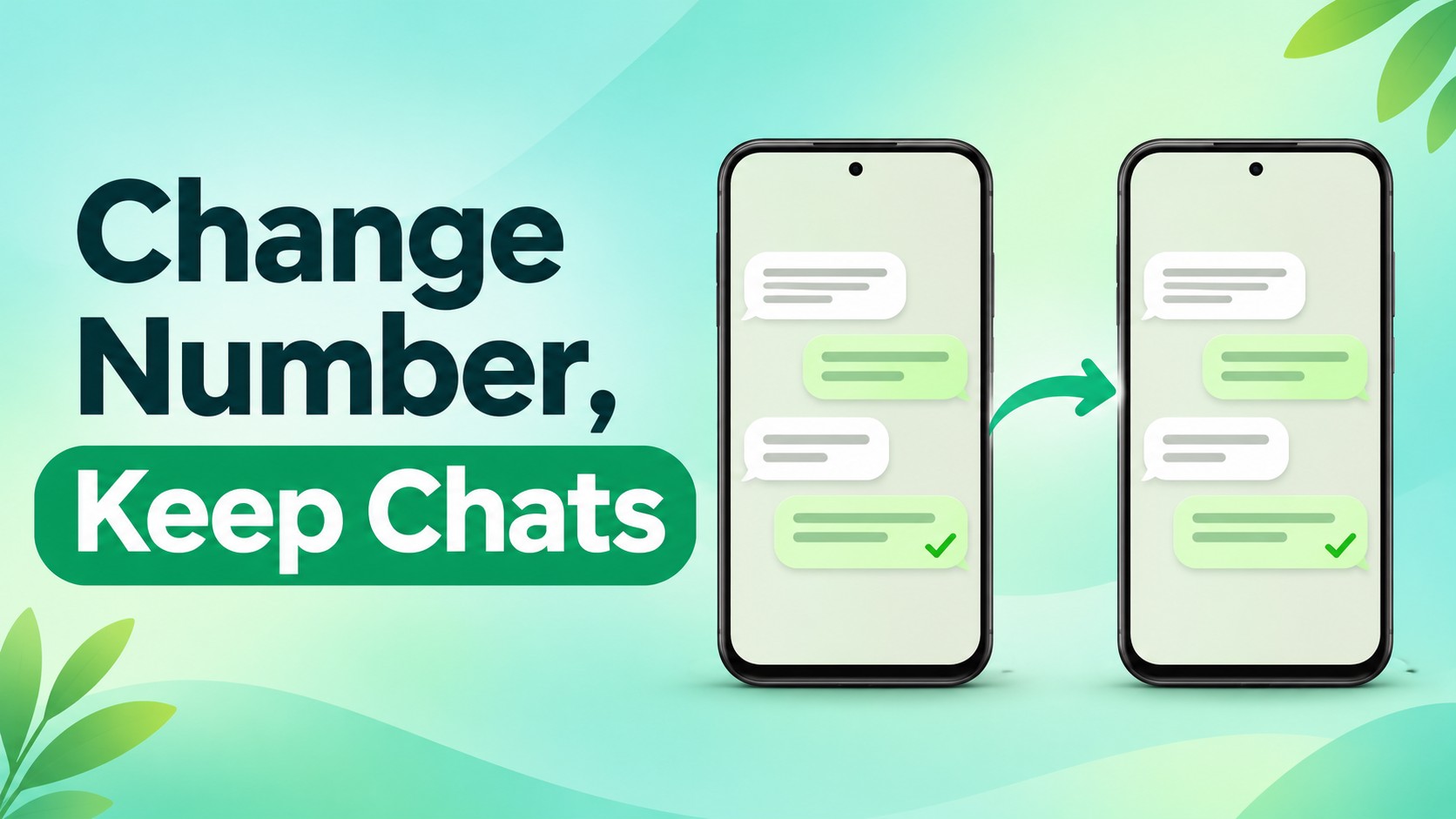
Use WhatsApp’s Change Number feature on your current phone. Your chats and groups move with the account. Getting a new phone too? Change the number on the old phone first, then back up or transfer your chats.
Prepare Your Number and Chats
Choose the steps that match your move:
| Your situation | What to do |
| Same phone, new number | Use Change Number in the current WhatsApp installation. |
| New phone, same number | Use WhatsApp’s supported chat transfer or backup restore for your devices. |
| New phone and new number | Change the number on the old phone first; then back up or transfer chats to the new phone. |
Before touching the account, check these basics:
- Your old number is still registered in WhatsApp. Check Settings or your profile.
- Your new number is one you control, is eligible for WhatsApp, and can receive a verification SMS or call.
- WhatsApp is updated, your phone is online, and you know your two-step verification credential.
- You have a recent chat backup as a precaution, especially if you are also replacing your phone.
Do not delete WhatsApp, wipe the old phone, or register the new number on another device yet. You could lose the link to your existing chats.
Change Your WhatsApp Number on the Same Phone
On your primary phone, follow the route shown in WhatsApp’s Change Number instructions:
- Open WhatsApp and go to Settings > Account > Change Number > Next. On Android, you may reach Settings through the three-dot menu.
- Enter the old registered number first and the new number second. Include each country code.
- Tap Next. Choose whether to notify all contacts, contacts you have chatted with, or selected contacts.
- Tap Done, then complete registration of the new number using the verification method WhatsApp offers.
- Open a few important individual and group chats to confirm they are present. Make a new backup under the new number.
You cannot use WhatsApp Web or Desktop for this change. Use your primary phone and follow its current prompts.
Moving to a New Phone Too?
Change the number on the old phone first. WhatsApp warns that registering the new number on the new phone first can leave your chats behind.
- Keep WhatsApp open and working on the old phone. Complete Settings > Account > Change Number there and verify the new number.
- Back up chats again after the change. An old cloud backup is tied to the number used when it was created, so it is not a substitute for a new-number backup.
- On the new phone, install WhatsApp, register the new number, and follow the supported restore or transfer prompts for your device combination.
- Check several chats and media items before erasing, resetting, or giving away the old phone.
Transfer options differ by device. Check WhatsApp’s phone-transfer guidance and your backup account before starting.
What Will You Keep After the Switch?
Change Number moves your existing account. Here is what happens:
| Item | What happens |
| Chats and groups | Individual and group chats move to the new number on the same account. |
| Profile and settings | Your profile information and privacy settings move with the account. |
| Old number | The WhatsApp account tied to it is removed after the change. |
| Contact notices | You choose which contacts to notify; group chats are notified automatically. |
| Cloud backup | Make a fresh backup after changing numbers so it is associated with the new one. |
Tell key contacts your new number directly, even if you use WhatsApp’s notice option. Broadcast recipients may need to save it in their address book to receive future broadcast messages. Blocked contacts stay blocked and are not notified.
Think through the change before confirming it. WhatsApp says an accidental number change cannot simply be reversed; returning to the old number may require group admins to invite you back.
If WhatsApp Will Not Verify the New Number
An ordinary text does not prove WhatsApp will register a number. WhatsApp applies its own eligibility rules and sends a registration code.
- No code: Recheck the full international number, including country code. Confirm the new line receives SMS and calls, then follow the in-app retry timer or call option.
- Number rejected: WhatsApp lists VoIP, toll-free, premium, universal access, and certain other number types as unsupported. Use a number WhatsApp accepts.
- Chats missing on a new phone: Check whether you changed numbers on the old phone first and created a backup under the new number. Keep the old phone intact while troubleshooting.
- Old phone unavailable: Follow WhatsApp’s account recovery guidance. A backup alone may not let you move an inaccessible account to another number.
Never share a registration code with someone who contacts you. Enter it only in the WhatsApp screen that requested it.
Could TrueNumber Be Your New WhatsApp Number?
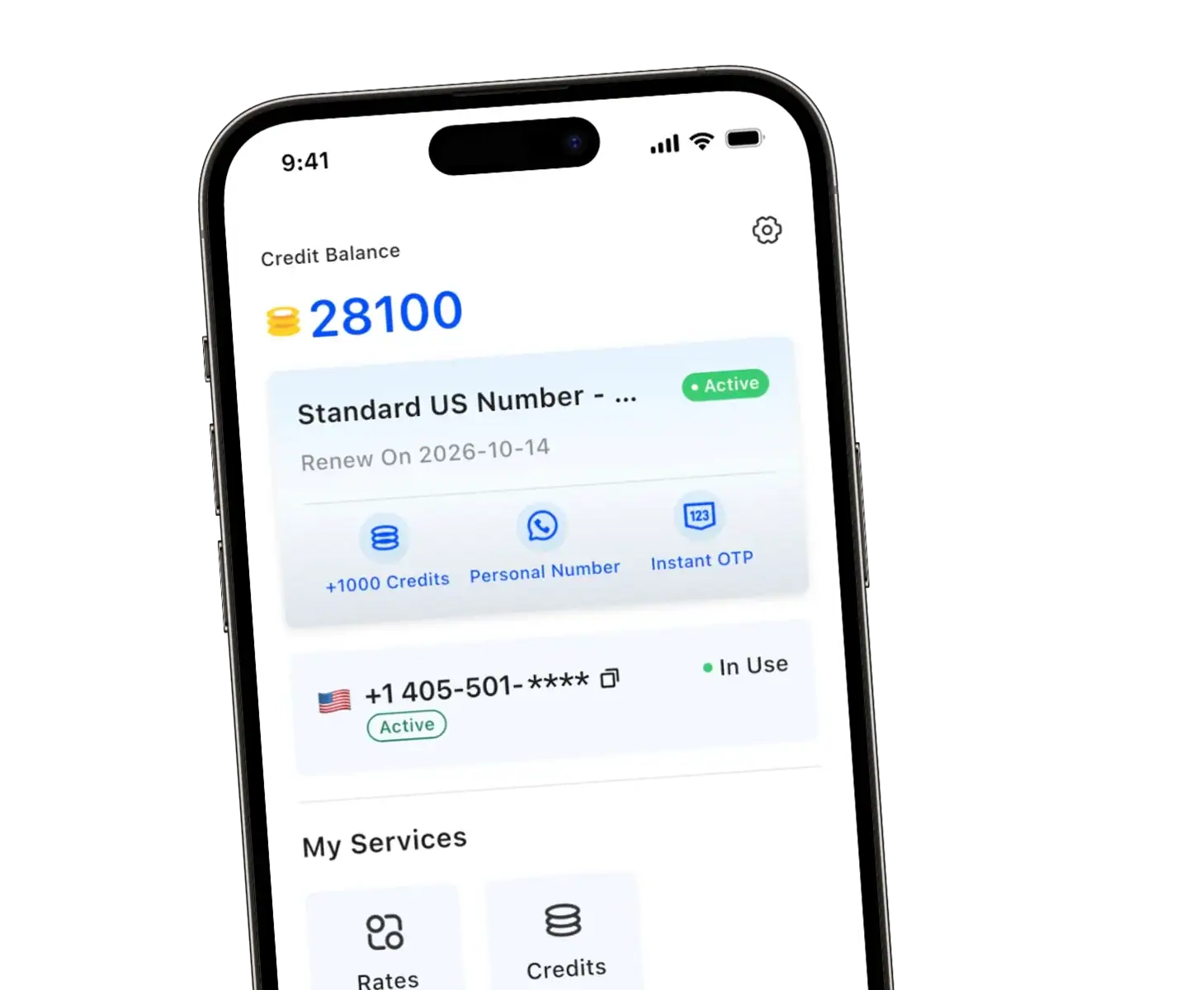
If you want a separate U.S. number, we provide numbers for calls and SMS without another SIM. Our TrueNumber homepage also lists WhatsApp registration as a use case.
WhatsApp decides eligibility for each number. Do not assume any second-number app will pass verification. Confirm that WhatsApp accepts your number and delivers the code before relying on it for a permanent switch.
Plan for continued access. Our terms say a number is recycled after more than four weeks without a calling or texting record. Keep your line active if your WhatsApp identity depends on it.
If WhatsApp rejects the number, you can still use TrueNumber for ordinary calls and SMS while keeping an eligible number on WhatsApp.
FAQs about Changing Your WhatsApp Number Without Losing Chats
Do I need my old SIM to change my WhatsApp number?
Your old number must still be registered in WhatsApp on the phone where you use Change Number. The new number needs to receive WhatsApp’s verification SMS or call. If you cannot access the old account, use WhatsApp’s recovery instructions first.
Will my WhatsApp groups see the new number?
Yes. WhatsApp says group chats are notified automatically when you change numbers, even if you do not turn on contact notifications. You can choose separately which individual contacts receive a notice.
Can I restore an old-number backup after changing numbers?
Do not count on it. WhatsApp ties cloud backups to the number used when they were made. Once you change numbers, create a new backup before moving to another phone or reinstalling.
Can I keep the old WhatsApp account as well?
Change Number moves your existing account to the new number and removes the account associated with the old one. If you want two separate accounts, that is a different setup and requires a separate eligible number for each account.
Explore a Second Number With TrueNumber
We offer a second U.S. number for calls and SMS on your existing phone. If that suits your communication needs, get the TrueNumber app and check WhatsApp eligibility before changing your account. Contact us if you have questions about your TrueNumber line.