On WhatsApp, the phone number isn’t a detail of your account — it is your account. It’s your login, your identity, and your recovery path, all in one. That’s exactly why so many people want to register WhatsApp on a second number instead of their personal SIM, and also why WhatsApp is stricter about numbers than almost any other app: it screens before it sends.
Most tutorials stop at “enter the number and wait for the code.” This one covers the screening step — why some numbers never receive a code at all — plus the settings that decide whether the account is still yours in six months.
What WhatsApp checks before it ever sends a code
Four gates, in order:
Format and country. WhatsApp accepts E.164-format numbers and refuses country codes it doesn’t serve. An unsupported country fails instantly.
Number type. WhatsApp separates real mobile ranges from VoIP and fixed-line ranges. VoIP ranges frequently can’t complete verification — this single fact explains most “virtual number didn’t work” stories.
Prior registration. A number already attached to a live WhatsApp account can’t be registered again.
Abuse signals. Rate limits per number and per device, plus IP and device reputation. Several failed attempts from one device put you into a longer cooldown.
So the real question is rarely “is my code late?” — it’s “will WhatsApp send to this number at all?”
Real-carrier vs VoIP for WhatsApp specifically
| Real mobile number | VoIP / virtual range | |
| SMS code | Yes | Only if SMS-capable |
| Voice-call fallback | Yes | Often missing |
| Passes WhatsApp screening | Usually | Frequently rejected |
| Cost | Higher | Low |
| Survives re-verification later | Yes | Only while you keep it active |
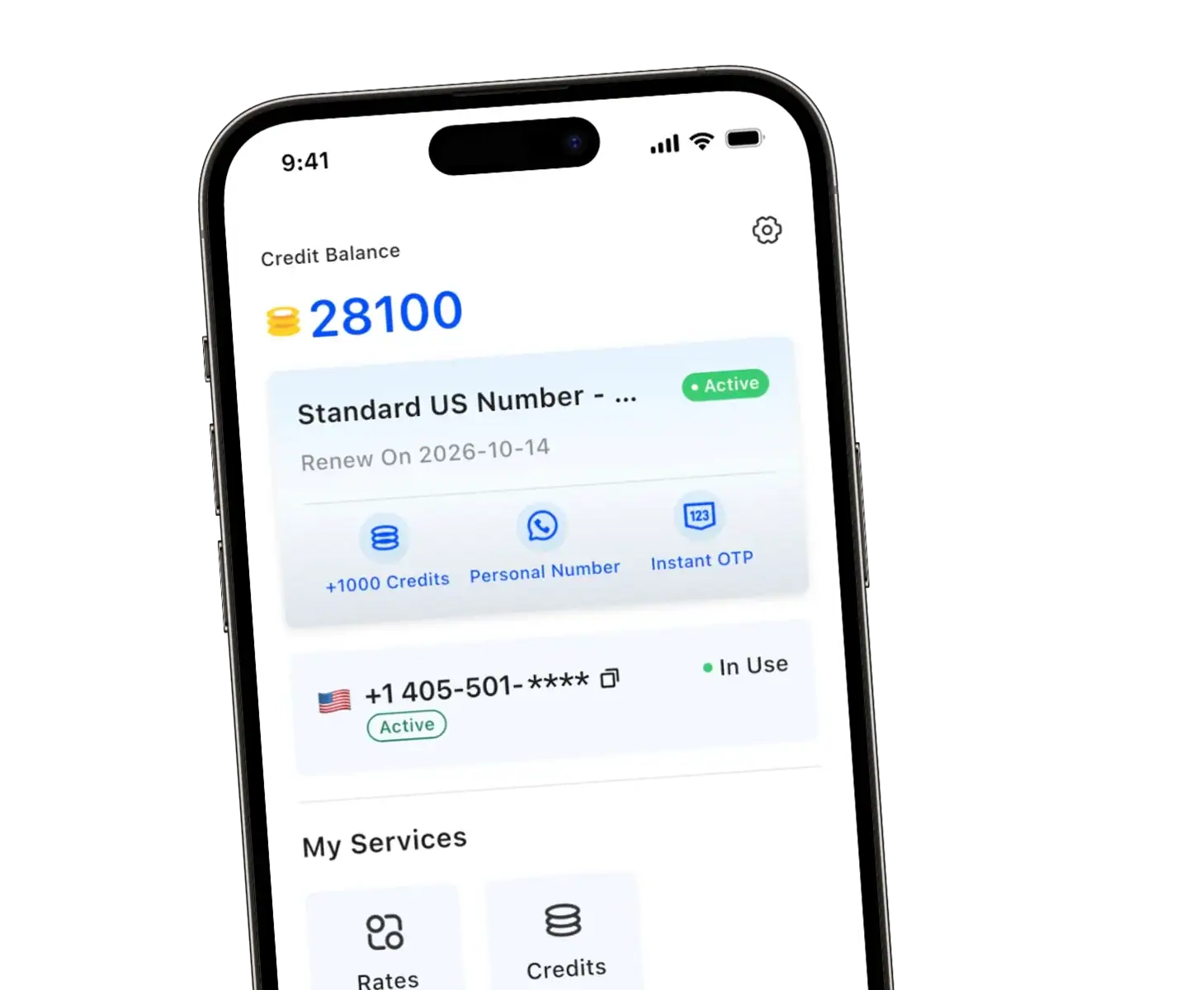
A real-carrier number — like the US lines in the TrueNumber app or verified via WhatsNumber — clears WhatsApp’s screening far more reliably precisely because it sits in a normal mobile range with both SMS and voice routes. A cheap VoIP number is worth one attempt if you already have it, but go in expecting a possible rejection.
The steps, including the two that matter most
Get a number that can receive SMS — and preferably calls. If you’re using a second-number app, pick a line you plan to keep. Renting instead? Rent longer than the verification task: WhatsApp re-checks the number when you change devices or reinstall, and an expired rental means the account is gone.
Keep the exact international format. + and country code, then the number, no leading zero, no spaces. If the app already shows a country selector, don’t retype the code into the number field — a doubled prefix is one of the most common self-inflicted failures.
Install and enter the number. Already running WhatsApp on this device? Add the second number from settings rather than resetting your existing account.
Request the SMS code. Six digits, usually within seconds on a healthy route.
If SMS stalls, take the call. When the SMS attempt times out, WhatsApp offers Call me. This is a real fallback, not a formality — voice and SMS travel different carrier paths, and the call often arrives where the text doesn’t. This is also why a number with voice support is worth having.
Enter the newest code only. Expired codes from earlier attempts sit in the same thread; using one produces “invalid” even though the fresh code also arrived.
Turn on two-step verification immediately. Settings → Account → Two-step verification. Set the PIN and a recovery email. On a number you don’t own forever, this is the difference between “a future holder of this number gets nothing” and “they get your whole chat history.”
Use the account before you file it away. Set a name, add a photo, send a message. Dormant accounts on fresh numbers are the first thing routine spam sweeps catch.
Every WhatsApp verification error, decoded
| What you see | What it means | What to do |
| “This phone number is not supported” | The range (usually VoIP) or country is blocked | Switch to a real-carrier number, same country |
| “Couldn’t verify the number” | Generic — format, route, or screening | Re-check format, then retry via voice call |
| Code never arrives, no error | SMS route missing or silently filtered | Wait for the “Call me” option; check spam filters |
| “You’ve requested the code too many times” | Rate limit, per number and device | Stop. Wait hours; retrying resets the clock |
| “This account can’t use WhatsApp” | Device or number flagged for abuse | Different number, ideally different device |
| “Your number is banned” | Prior reports or abuse on this number | Terminal — the ban doesn’t lift; use a new number |
| “The code you entered is incorrect” | Expired, or an old message in the thread | Use only the latest message |
Two of these deserve emphasis. The rate limit is the one people make worse — every retry after the lockout restarts it, so the winning move is to walk away for a few hours. And a banned number is not a troubleshooting problem: WhatsApp doesn’t reverse number bans, so paying to keep a banned number alive is wasted money.
Legitimate reasons, and the line you shouldn’t cross
Separating work chats from personal ones, running a business line, keeping your primary number out of contact-sync databases, testing your own integration, a local presence for customers abroad — all ordinary, all fine. What ends accounts is bulk or deceptive messaging. WhatsApp’s terms require a number you’re entitled to use, and enforcement is automated.
Keeping the account after the verification high fades
Two-step verification PIN — non-negotiable on any second number.
A recovery email you control.
Renew or keep the line before it lapses; a recycled number takes the account with it. The mechanics of what happens when numbers get reused are worth knowing before you commit an account to any number.
Open WhatsApp on your main device now and then — dormant accounts on inactive numbers are the ones that vanish.
Export a chat backup if history matters.
Already have WhatsApp and just switching numbers? Use the built-in Change Number feature instead of re-verifying from scratch — our walkthrough covers how chats and groups move with it.
FAQ
Can I register WhatsApp without a SIM card?
Yes. The verification code just has to reach a number you control — an app-based second line or a rented number with an online inbox both work.
Why does WhatsApp reject my virtual number?
Most likely its range is classified as VoIP, which WhatsApp screens out before sending. A real-carrier number in the same country clears this.
How long should I keep the number?
At minimum, as long as the account matters to you. Re-verification on a new device or reinstall goes to the registered number — if it’s gone, the account is too.
Can one number run WhatsApp and WhatsApp Business?
No. Each account needs its own number, even on the same phone.
What if my second number is US-only and I need a number elsewhere?
That’s a rental job: a service like WhatsNumber rents virtual and real numbers across the US, Canada and the UK with terms up to twelve months — useful when the account needs to outlive a monthly subscription.