SMS spoofing makes a text appear to come from another number or sender name. Even a familiar conversation thread cannot prove it is genuine. Pause, verify the claim independently, and report suspicious texts.
What Is SMS Spoofing?
In an SMS spoofing attack, the sender information shown on your phone is misleading. A scammer may impersonate a bank, delivery company, friend, or even your own number to make a request look credible.
The message may ask you to visit a fake site, pay a fee, call a number, or share a code. The displayed sender is the bait.
Legitimate businesses also use sender names, so a name alone cannot prove authorization. Check important claims through an independent source.
Spoofing and smishing are related, but they describe different parts of a scam:
| Term | What it describes | Question to ask |
| SMS spoofing | False or misleading sender information on a text. | Is this really who the screen says sent it? |
| Smishing | A phishing attempt delivered by text to steal information or prompt unsafe action. | What is this message trying to make me do? |
| Spam text | An unwanted message, which may or may not impersonate anyone or seek sensitive data. | Is this unwanted, deceptive, or both? |
A spoofed message can also be smishing. A scammer might use a bank’s displayed sender identity to make a fake account-warning link more persuasive.
How to Recognize a Spoofed Text
No visual clue proves spoofing. A fraudulent message can use a familiar sender name or appear beside genuine texts. Check its request elsewhere.
- Urgent account warning: The text says access will end unless you act immediately. Open the company’s app or type its known address yourself.
- Unexpected payment request: A delivery or toll notice demands a small fee. Check the order or account in the official service, not through the message.
- Code or password request: Someone asks you to send a login code, PIN, or password. Do not share it in the text thread.
- Odd link or callback number: A shortened, altered, or unfamiliar address deserves a separate check. Do not use the phone number supplied in the suspicious text.
- Text from your own number: The FTC has documented scams that display the recipient’s own number. Treat the message as suspicious rather than answering it.
Good spelling and a familiar conversation thread are not safety tests. The Canadian Centre for Cyber Security warns that a spoofed bank shortcode can place a fraudulent message beside real bank texts.
What to Do When a Text Looks Spoofed
- Stop the interaction. Do not click the link, reply, share a code, or call the number in the message.
- Verify independently. Open the organization’s app, use a website you already know, or call the number on a card or statement.
- Keep useful evidence. Save the message details if you need to report fraud, a payment, or the misuse of your number.
- Report it. In the U.S., use your messaging app’s spam-report option, forward the text to 7726 if your carrier supports it, or report fraud to the FTC.
- Then block or delete. Blocking one displayed sender may reduce repeat contact, but it cannot establish that future messages with the same claimed identity are safe.
The FTC’s text-scam guide explains reporting options. For phone-specific filtering steps, see our guide to stopping spam texts.
If Someone Is Spoofing Your Number
You may learn about it when someone asks why you sent a strange text. A displayed number can be forged, so that report alone does not prove the message came from your phone or that your account was accessed.
- Ask the recipient for a screenshot showing the displayed sender, message, and time. Tell them not to follow any link or share information.
- Check your sent messages and, where available, your carrier or service account activity for a matching outgoing text.
- If you see messages you did not send or account changes you did not make, contact your provider through its official support channel and secure the account.
- If the report appears to be impersonation without activity on your account, tell affected contacts and report it to your provider.
The FCC accepts complaints under “my own number is being spoofed.” Its complaint instructions explain the category. A complaint helps document a pattern; it does not instantly stop every forged message.
If You Clicked or Shared Information
Choose your response based on what actually happened. Opening a message is different from entering a password, paying a fake bill, or installing something.
| What happened | Next step |
| You clicked a suspicious link | Stop using the page. Update your device security software and scan for malware. |
| You entered a password | Go to the real service directly and change that password. Change it anywhere else you reused it. |
| You entered card or bank details | Contact the financial institution using a trusted number and explain what you submitted. |
| You shared personal identity information | Use IdentityTheft.gov for a recovery plan suited to the information exposed. |
Report the scam even if you caught it quickly. The FTC’s recovery guidance covers payments, credentials, and personal information. Do not keep interacting with the sender to investigate.
Where a Second Number Fits
SMS spoofing is an identity-display problem in messaging. A second number cannot authenticate incoming texts or stop someone from forging a displayed sender. Filtering and independent verification still matter on every line you use.
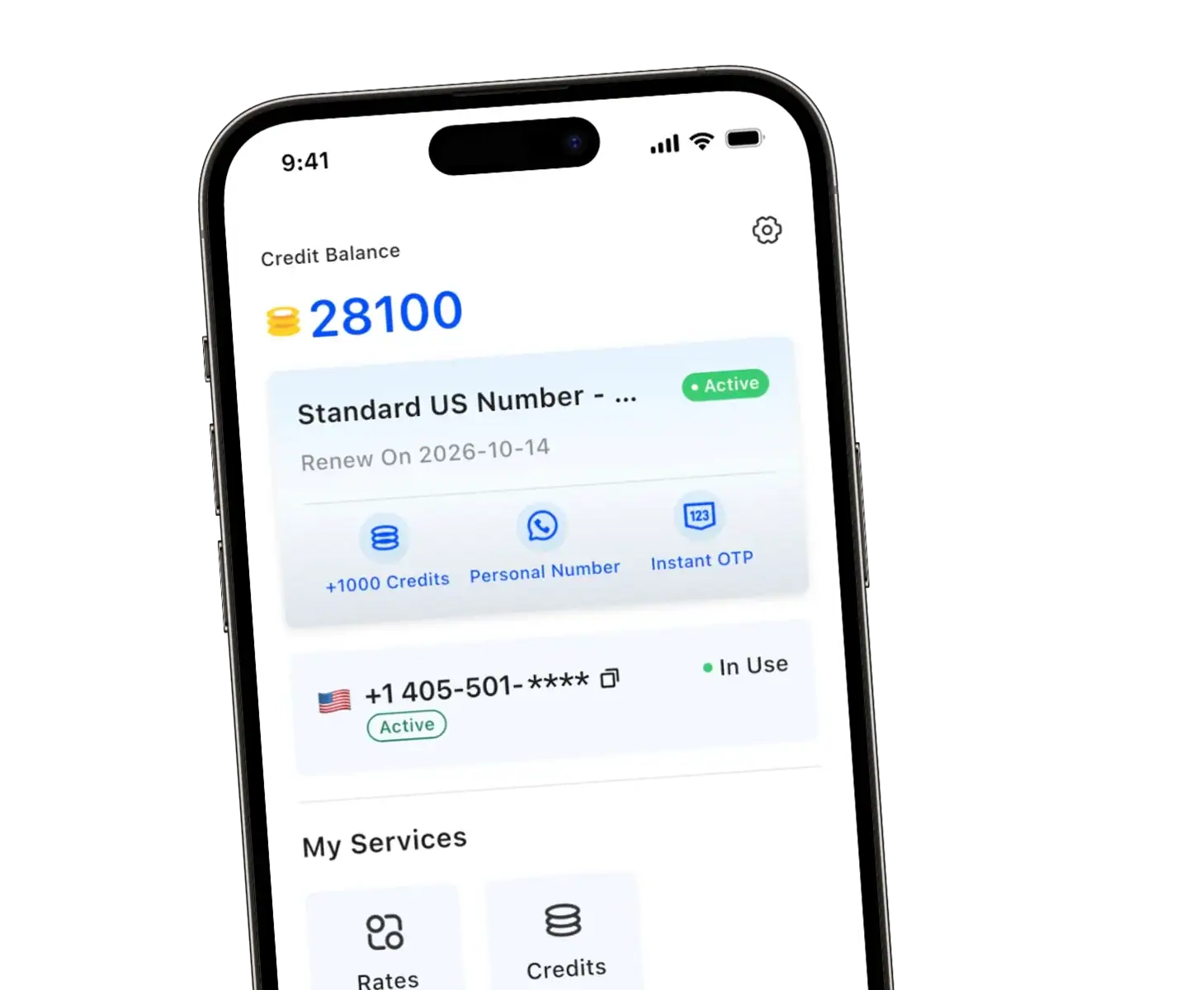
We offer TrueNumber as a separate U.S. number for calls and SMS on your existing phone, without another SIM. You can give that number to new contacts, listings, or signups while keeping your personal line less exposed.
That separation gives you more control over sharing your primary number. It does not prevent spoofing, scams, or unwanted messages.
FAQs about SMS Spoofing
Can a spoofed text appear in a real conversation?
Yes. A forged sender identity can cause a fraudulent SMS to appear alongside genuine messages from that sender. Verify unusual requests in the organization’s app or through a known phone number.
Does a text from my own number mean my phone was hacked?
Not necessarily. The displayed sender can be spoofed. Check sent messages and account activity before drawing a conclusion, and contact your provider if you find activity you did not authorize.
Is SMS spoofing the same as smishing?
No. Spoofing concerns the sender identity shown on the message; smishing is a text-based phishing attempt. A criminal can combine them by forging a trusted sender to make a phishing request believable.
Can blocking the displayed number stop SMS spoofing?
Blocking may help with messages from one sender, but a forged identity does not reveal who actually sent the text. Report suspicious messages and verify future requests independently.
Keep Your Personal Number More Private
With TrueNumber, we provide a second U.S. line for everyday calls and SMS without another SIM. Get the app to separate new contacts from your personal line, or contact us with questions about the service.