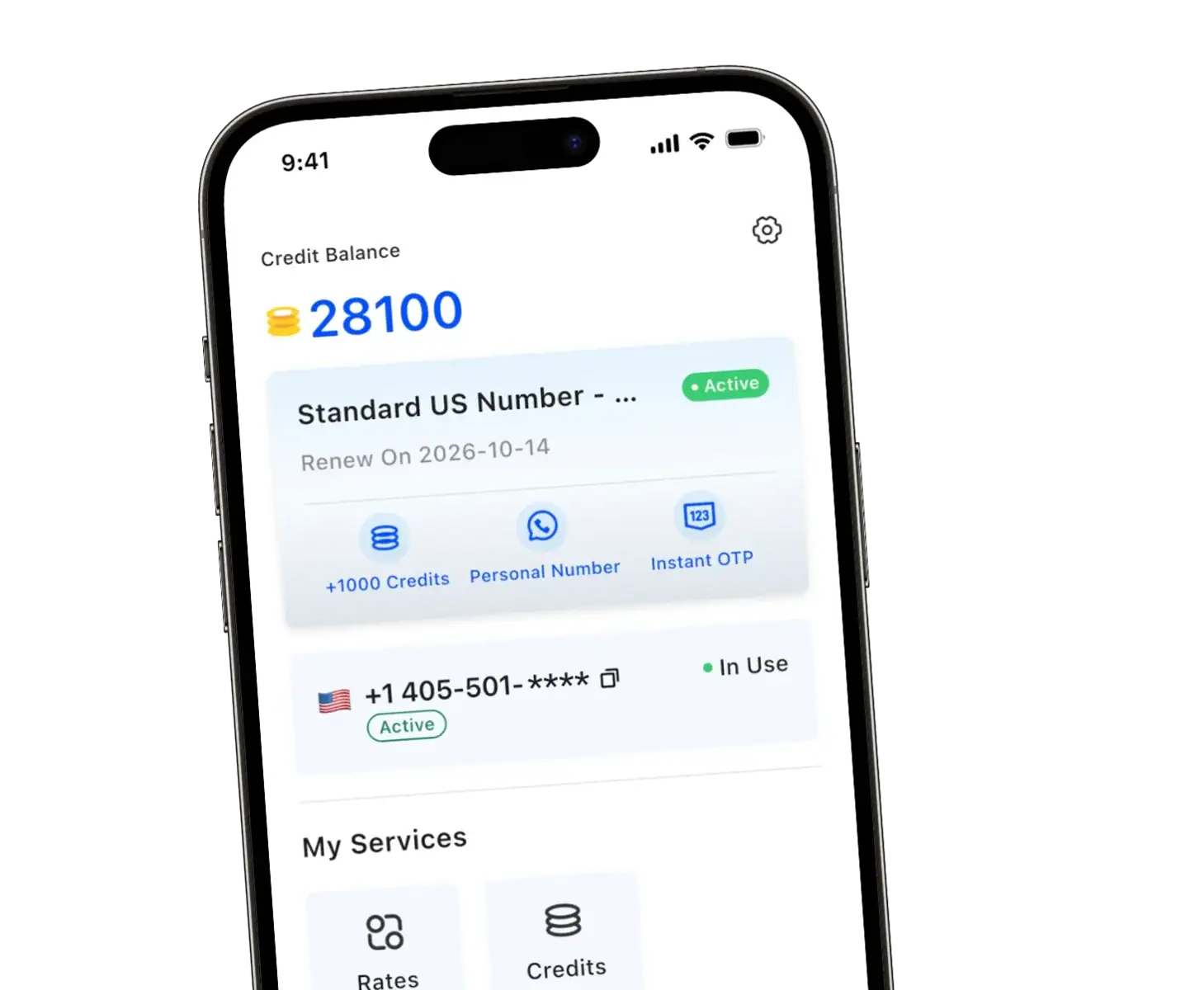
Need a second phone number but don’t want to deal with carrier stores, contracts, or another SIM card? Millions of people now buy phone numbers online for privacy, work, travel, or simply to keep their personal life separate from everything else. The process is faster than you’d expect—and you don’t need any technical skills to pull it off.
Here’s exactly how to do it, step by step.

Why People Buy Phone Numbers Online
A decade ago, getting a second phone number meant walking into a carrier store, signing a contract, and paying for another SIM card. That world is gone.
Today, 2nd phone numbers let you text, call, and receive verification codes without any hardware. They work through apps on the phone you already own. No new device. No second bill showing up in the mail.
People grab these numbers for all kinds of reasons:
-
Privacy protection – Keep your real number off dating apps, marketplaces, and random sign-up forms.
-
Business separation – Give clients a dedicated line without mixing work texts into your personal chat history.
-
Traveling abroad – Get a local number in another country so contacts can reach you affordably.
-
Account verification – Receive OTP codes from platforms like WhatsApp, TikTok, or Telegram without handing over your primary number.
The use cases keep expanding. Freelancers use them to look more professional. Parents set them up for kids who aren’t ready for a full phone plan. Remote workers juggle numbers across time zones.
Whatever your reason, the process is simpler than most people expect.
What to Look for in a Second Number Provider
Not all online phone numbers are created equal. Some are “burner” numbers that only work for outbound calls. Others can’t receive verification codes from popular apps. A few come loaded with hidden fees or expire after a week.
Before you commit, check for these features:
-
Two-way communication: Can you make and receive calls and texts? Some cheap options only allow outgoing messages.
-
Verification code support: If you need to sign up for apps like WhatsApp, Telegram, or Amazon, make sure the service explicitly supports SMS verification codes. Many virtual numbers get blocked by these platforms.
-
No SIM required: The whole point of buying online is convenience. Look for services that work entirely through an app—no physical SIM card or eSIM setup.
-
Transparent pricing: Watch out for activation fees, maintenance charges, or surprise costs. The best services let you pay only for what you use and cancel anytime.
-
Privacy and encryption: End-to-end encryption matters. Your calls and messages should stay private, and the provider shouldn’t store your data.
One thing to keep in mind: most virtual phone number services don’t support emergency calls (911 in the US). If that’s a concern, keep your carrier phone handy for emergencies.
How to buy a phone number online (step-by-step)
The exact steps vary slightly by provider, but the workflow is usually the same. Here’s a simple process you can follow today.
Step 1: Choose a provider and install the app
Go to your app store, search for a second-number provider, and install it. For users who want a quick setup and straightforward experience, TrueNumber is an option worth considering.
Step 2: Pick the type of number you need
Before you click “buy,” decide what you’re optimizing for:
If you want privacy for short-term situations, choose a number you can use temporarily. If you want a consistent business line, choose one you’ll keep active month after month.
Step 3: Choose your location (area code/country)
Most services let you pick an area code or region. This is useful if you want your number to look local to customers, clients, or contacts. For example, a tutor in Los Angeles might choose a 310 or 213 number so new leads feel like they’re contacting someone nearby.
Step 4: Select a plan and complete purchase
Complete the purchase inside the app (often through App Store billing). After that, the number is typically active immediately.
Step 5: Start using your new number for calls, texts, and signups
Once your number is active, use it anywhere you’d normally hesitate to share your real one: Facebook Marketplace, Craigslist, forms, deliveries, or new app registrations.

A quick real-world scenario (mini case)
Let’s say you’re selling a laptop online. A buyer asks for your number “to coordinate pickup,” which sounds reasonable—until that number gets passed around and you start receiving spam texts and robocalls.
Instead, you buy a second number online and use that for the listing. You handle the calls and texts through the app. When the sale is done, you can stop using that number, switch it, or keep it strictly for future listings. Your personal number never leaves your inner circle.
That’s the real value here: you’re not just buying a number—you’re buying control.
Tips for Getting the Most Out of Your Second Number
Once you’ve got your number, a few small habits make a big difference:
-
Use it consistently for one purpose. If it’s your “business number,” don’t start giving it out on dating apps. Keep things clean.
-
Take advantage of WiFi calling. When you’re traveling internationally, you can avoid roaming charges entirely by making calls over hotel WiFi or local data.
-
Block liberally. The beauty of a second number is that blocking someone doesn’t affect your primary contacts. Use it.
-
Check verification support before signing up for new apps. Not every service plays nice with every app. A quick test can save frustration later.
Ready to Get Your Second Number?
Buying a phone number online is one of those things that sounds complicated until you actually do it. Pick a reliable app, choose your area code, and you’re set in under a minute. No contracts, no carrier drama, no extra hardware.
Whether you need a business line, a privacy shield, or just a way to keep your personal number out of strangers’ hands, a second number solves the problem without any hassle.
Download TrueNumber Now and get your real phone number in seconds—no SIM card needed, full calling and texting, and verification codes that actually work. Your privacy and peace of mind are just one tap away.
Common Questions (Answered Quickly)
Can I use a 2nd number for two-factor authentication?
Yes, as long as the provider supports SMS from the platform you’re verifying. Quality services work with 50+ apps including WhatsApp, TikTok, Telegram, and more.
Do I need a contract to buy a phone number?
No. Most 2nd number apps operate on prepaid or subscription models with no long-term commitment.
Can I keep the mobile number forever?
Depends on the service. Some numbers are meant to be temporary; others can be renewed indefinitely.