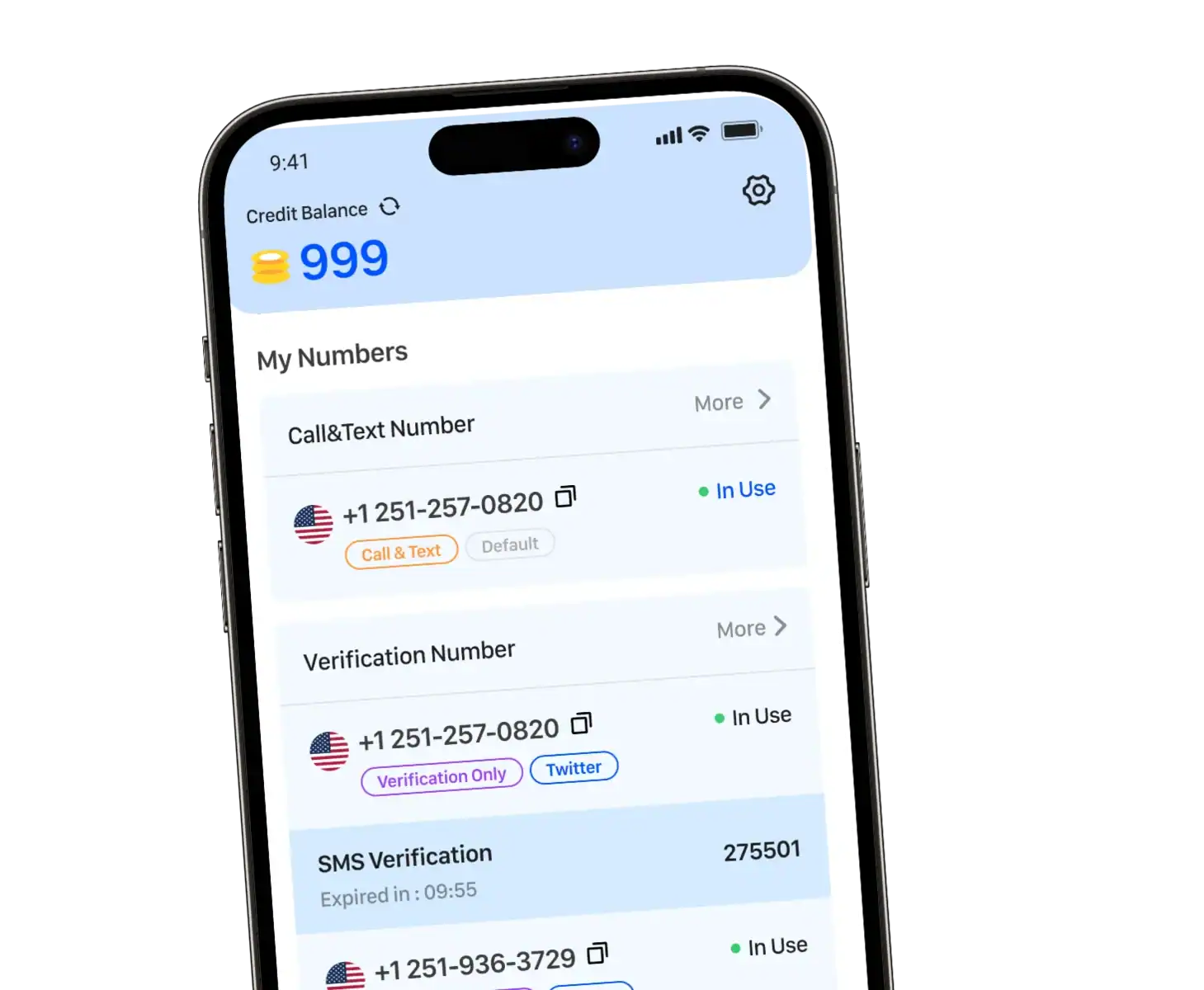
WhatsApp connects over 2 billion users worldwide, but creating an account requires phone number verification. 2nd phone numbers solve this challenge, letting you use WhatsApp without exposing your personal phone number or needing a physical SIM card.
Whether you’re running a business, managing customer service, or protecting your privacy, 2nd phone numbers offer the flexibility you need.
What is a 2nd phone number for WhatsApp?
Definition and Basic Concept
A 2nd phone number is a cloud-based telephone number that operates without requiring a physical SIM card or traditional phone line. Unlike conventional mobile numbers tied to a specific device or carrier, virtual numbers exist entirely in the digital realm and can be accessed from any internet-connected device.
These numbers function through Voice over Internet Protocol (VoIP) technology, routing calls and messages through the internet rather than cellular networks. For businesses and individuals, this means you can establish a professional presence anywhere in the world without geographic limitations.
How Virtual Numbers Work with WhatsApp
WhatsApp’s verification process requires a valid phone number to activate an account. When you sign up, the platform sends a verification code via SMS or voice call to confirm ownership. Virtual numbers work seamlessly with this process.
Here’s how it functions:
- You obtain a virtual number from a reliable number provider
- Enter this number during WhatsApp registration
- Receive the verification code through your virtual number service
- Complete the setup and start using your WhatsApp account
The messaging app treats 2nd phone numbers exactly like real phone numbers, giving you full access to all features.
Key Differences From Regular Phone Numbers
Traditional Phone Numbers:
- Require a physical SIM or eSIM
- Tied to specific mobile carriers
- Limited to one device (unless using dual SIM)
- Geographic constraints based on coverage
- Additional hardware costs
2nd phone numbers:
- No SIM card needed
- Accessible across multiple devices
- Work on smartphones, tablets, and computers
- Global accessibility with internet
- Cost-effective for international operations
This flexibility makes virtual numbers particularly valuable for businesses looking to manage multiple WhatsApp accounts or establish presence in different markets.
Why Use a Virtual Number for WhatsApp?
Core Benefits
Privacy and Security: In an era of increasing digital concerns, keeping your number private is essential. A virtual number acts as a protective barrier between your personal identity and public communications.
Professional Credibility: Establish a dedicated business presence separate from your personal life, ensuring you don’t have to share your private contact details with clients.
Cost Efficiency: Eliminate the need for multiple physical devices or expensive international roaming. A single smartphone can manage several accounts cost-effectively.
Scalability: As your needs grow, you can easily add or remove numbers without the hassle of lengthy carrier contracts or hardware purchases.
Common Use Cases
E-Commerce Owners & Freelancers: Manage order inquiries and client relationships on a dedicated channel without mixing business and personal messages.
International Travelers & Digital Nomads: Obtain a local number in a different country to stay connected with regional services or customers without a physical presence.
Marketing Teams: Use multiple 2nd phone numbers to run separate campaigns, track engagement, and manage various client accounts simultaneously.
Remote Customer Support Teams: Enable multiple team members to handle high-volume interactions through a shared business line or API integration.
Privacy-Conscious Individuals: Protect your identity when using a second phone number for dating apps, online marketplaces, or third-party apps.
Privacy and Security
Try to keep your number private in this digital era. A virtual number for WhatsApp provides a protective barrier between your personal identity and public-facing communications.
When you use a virtual number, you control exactly who has access to your real phone. This is particularly valuable for:
- E-commerce sellers who need customer communication channels
- Freelancers managing client relationships
- Anyone concerned about data privacy and spam
- Users who want to test third-party apps like WhatsApp without exposing personal information
Additionally, if a virtual number becomes compromised or overwhelmed with spam, you can simply replace it without changing your actual personal number.
Flexibility and Scalability
As your communication needs evolve, 2nd phone numbers scale effortlessly with your requirements. Unlike traditional mobile numbers that involve lengthy carrier contracts and device purchases, virtual numbers offer remarkable adaptability.
A virtual number lets you:
- Add new numbers as your business expands
- Remove unused numbers to optimize costs
- Switch between numbers based on campaign needs
- Manage multiple WhatsApp Business accounts for different product lines
- Access communications from Android devices, iOS, or desktop
This scalability makes virtual numbers ideal for startups and growing enterprises that need flexible communication infrastructure.
How to Get and Use a 2nd phone number for WhatsApp
Step-by-Step Setup Process
1. Select a Virtual Number Provider
Research providers that explicitly support WhatsApp verification. Not all services guarantee compatibility, so verification capabilities should be a primary consideration.
2. Choose Your Desired Number
Most providers offer phone numbers from various countries and regions. Select based on your target audience—whether you need a local presence or an international numero eSIM.
3. Complete Registration and Payment
Create an account with your chosen provider, select your plan, and complete the purchase. Many services offer flexible pricing from pay-as-you-go to monthly subscriptions.
4. Receive Your Virtual Number
Once activated, you’ll receive your new number along with instructions for accessing messages and calls, typically through a web dashboard or mobile app.
5. Open WhatsApp and Begin Setup
Download WhatsApp on your device (works on both Android and iOS). When prompted, enter your 2nd phone number instead of your personal number.
6. Complete WhatsApp Verification
WhatsApp will send a verification code via SMS or voice call. Access this code through your virtual number provider’s platform and enter it into WhatsApp.
7. Finish Configuration
Set up your profile, add contacts, and start using your new WhatsApp account with complete functionality.
Important Considerations
Provider Reliability: Ensure your number provider has consistent uptime and reliable SMS delivery. Delayed verification can prevent account activation.
WhatsApp Compliance: Use virtual numbers in compliance with WhatsApp’s guidelines. The platform prohibits automation and spam, regardless of whether you’re using a virtual or real phone number.
Number Retention: Understand how long you can keep your number and what happens if you cancel service. Some providers recycle unused numbers, which could affect your account continuity.
SMS Reception: Verify that your chosen number services can receive SMS messages, not just make calls. WhatsApp verification requires text message capability.
Account Management: If you plan to manage multiple accounts, ensure your solution supports this without violating policies. When you get a virtual number for each account, you can maintain complete separation and control.
Security Standards: Choose providers with strong encryption and data protection. Your business communications deserve the same security as those on a physical sim card.
Cost Structure: Compare pricing models carefully. Some providers charge per message, while others offer unlimited plans. Calculate your expected usage to determine the most economical option.
Transform Your WhatsApp Experience with TrueNumber
Ready to elevate your communication privacy? TrueNumber provides reliable 2nd phone numbers for WhatsApp with anonymous calling, secure messaging, and advanced privacy protection. Whether you’re managing business accounts or protecting personal information, we make it simple and secure. Visit our website to discover why thousands trust TrueNumber for their virtual number needs. Get the APP Now!
Frequently Asked Questions
Can I use the same virtual number on multiple devices simultaneously?
Yes, one of the key advantages of virtual numbers is multi-device accessibility. You can access your WhatsApp account from your smartphone, tablet, or computer through the same virtual number. This makes team collaboration and account management much more flexible than traditional phone numbers.
What happens if I stop paying for my virtual number?
Most providers will deactivate your virtual number after a certain period of non-payment. This means your WhatsApp account may become inaccessible. To maintain continuity, check your provider’s retention policies and ensure you keep your account active if you want to preserve your WhatsApp presence on that number.
Can I transfer my WhatsApp data if I change virtual numbers?
WhatsApp doesn’t allow direct transfers, but you can back up your chat history before switching. Create a new account with a different virtual number and restore your backup. Your contacts will see you as a new number initially.