Want to know how to protect your phone number? Set a 15-minute timer, open a private browser window, and follow this exposure audit. You will find public copies, rank the risks, and decide what to remove first.
Minutes 0–5: Search the Public Web
Start where a stranger would. Search your full phone number in quotation marks, then repeat the search in common formats: with and without the country code, spaces, hyphens, or parentheses.
Next, combine the number with your name, username, city, employer, or business name. Check the first two pages and image results. A private window reduces personalization.
Record every match before requesting removal. A simple note is enough:
| What to record | Why it matters |
| Page URL and website name | You need the exact source for removal and follow-up. |
| Information shown beside the number | A name, address, or employer makes the result more sensitive. |
| Date found and a screenshot | You can confirm whether the page changes later. |
| Who controls the page | Your own profile is easier to fix than a third-party database. |
Also check people-search sites. The FTC explains that one phone number can lead to reports containing addresses, relatives, employment history, and other details. Flag every accurate match.
Minutes 5–9: Check Profiles, Listings, and Discovery Settings
Search engines do not show every exposure. Open the accounts where you have shared contact information and view each profile as a stranger, customer, or logged-out visitor would.
- Review social profile bios, About sections, contact buttons, and old posts.
- Check marketplace listings, seller profiles, rental ads, resumes, portfolios, and event pages.
- Inspect business directories, professional memberships, alumni pages, and public documents.
- Search old usernames because archived accounts may still display your number.
Then review discovery settings. For example, Google lets you manage whether people can find profile information through your phone number and who can see contact details. Similar controls vary by service, so look for labels such as privacy, discoverability, contact syncing, or who can find me.
Minutes 9–12: Review Accounts That Depend on Your Number
Exposure is more serious when the same number also unlocks valuable accounts. Make a quick account map and begin with email, your mobile carrier, banking, payment apps, cloud storage, social media, healthcare, and government services.
| Risk level | What you find | Best next step |
| High | The number is public and used for password recovery or text-message authentication. | Remove the public source, secure the carrier account, and add a stronger sign-in method where available. |
| Medium | The number appears on a public profile, listing, or people-search report. | Delete, edit, or opt out, then check whether the result disappears. |
| Low | The number is held by a service you still use but is not publicly visible. | Review necessity, privacy settings, and marketing consent. |
For sensitive accounts, the FTC recommends two-factor authentication. An authenticator app or security key is safer than text codes when available. Save recovery codes before changing sign-in methods.
Minutes 12–15: Protect Your Phone Number First
Fix the highest-risk exposure, not the easiest-looking item. Start with a page that connects your number to your home address, full legal name, relatives, or a high-value account.
- Delete or edit content you control.
- Use the website’s opt-out or removal process for third-party pages.
- Ask the page owner to remove the information at its source.
- Use Google’s Results about you to monitor eligible results and request removal from Google Search.
- Save the request date and schedule a recheck.
Removing a Google result does not delete the source page. Contact the site owner or complete its opt-out process. People-search information can reappear, so one audit is not permanent cleanup.
Finish by reviewing contact access on your phone. On iPhone, check Settings > Privacy & Security. On Android, open the Permission manager. Remove contacts, phone, call-log, or SMS access from apps that do not need it.
Score Your Exposure and Plan the Next Check
Use this quick score to prioritize follow-up. It is not a security test.
- Add 3 points for any result linking your number to a home address or sensitive account.
- Add 2 points for each public profile, current listing, or accurate people-search report.
- Add 2 points if a sensitive account depends only on a password and text code.
- Add 1 point for each unnecessary app permission or abandoned account.
At 0–2, recheck quarterly. At 3–6, submit removals this week and audit again in 30 days. At 7 or more, prioritize source removal, carrier protection, and stronger authentication today.
If you suddenly lose mobile service or receive an unexpected SIM activation notice, contact your carrier immediately. The FTC also recommends setting a PIN or password on your cellular account to help prevent unauthorized changes.
Reduce Future Exposure With a Separate Number
Cleanup handles yesterday’s exposure. Better number separation reduces tomorrow’s. Reserve your primary line for your carrier, bank, healthcare, government services, family, and other trusted relationships.
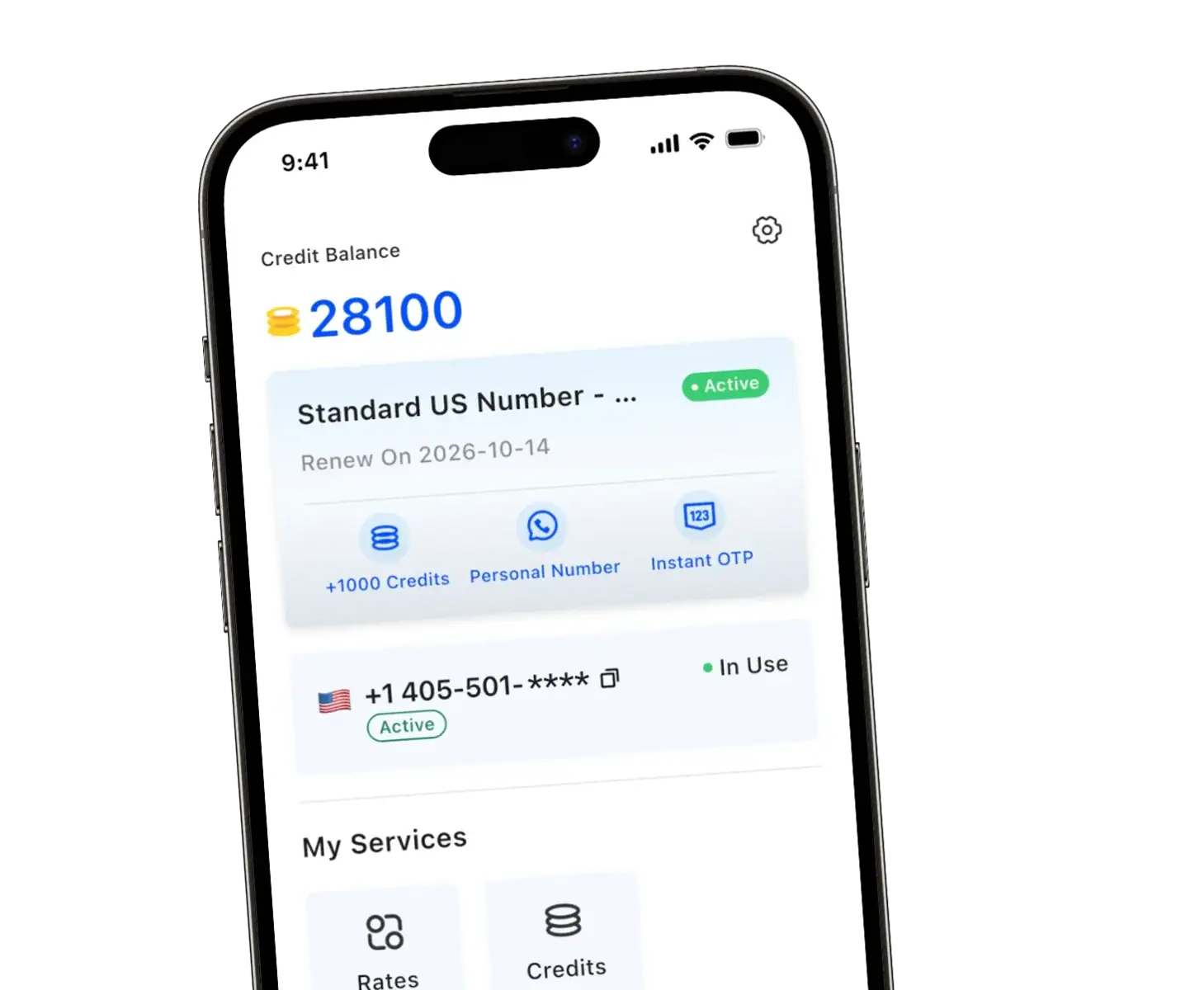
TrueNumber adds a real US second number to your existing phone without another physical SIM. Use it for two-way calls, texts, and supported verification while keeping your personal number out of routine public activity.
Share your TrueNumber line for marketplaces, work inquiries, dating, deliveries, shopping, and supported app sign-ups. If a database leaks or sends unwanted messages, you can manage it separately from the number connected to important accounts.
A second number does not make you anonymous, erase existing records, or replace account security. It limits how often your primary line enters higher-exposure situations. For the broader process, read how your phone number spreads online.
FAQs about Phone Number Exposure Audits
How do I know if my phone number is exposed?
Search every common format of the number, combine it with your identifying details, and check people-search sites, public profiles, listings, and account discovery settings. A clean search is encouraging, but it cannot prove that private databases do not contain the number.
Can someone find my address with my phone number?
Sometimes. People-search reports may connect a number with current or previous addresses, relatives, and other records. Accuracy varies, so inspect the actual result before deciding its risk.
Does removing my number from Google remove it from the internet?
No. An approved request can remove a result from Google Search, but the information may remain on the original website. Ask the source website to delete or change it as well.
Should I change my phone number after finding it online?
Usually, removal and better separation are less disruptive. Consider changing the number when harassment continues, account takeover is suspected, or your carrier or another qualified professional recommends it. Update critical recovery methods before retiring the old line.
Is a second phone number anonymous?
No. TrueNumber can keep your primary line out of public interactions, but services may still collect account, device, or payment information. Use your second line as a practical privacy boundary, not as an anonymity guarantee.
Protect Your Personal Number With TrueNumber
Give public-facing activity its own dedicated line. TrueNumber provides a real US second number for two-way calls, texts, and supported verification without another physical SIM or a second phone. Download TrueNumber and start keeping your personal number for the people and accounts you trust.