A sudden wave of spam calls can come from a shared phone number, a public listing, a reassigned number, or a broad robocall campaign. The call volume alone cannot identify the cause. Start by filtering and reporting unwanted calls, then limit where you share your primary number.
Why Spam Calls Can Spike Suddenly
| What you notice | Possible explanation | What to check |
| Calls began after a quote or signup form | Your number may have been shared with marketing partners | Review the form’s consent terms and request removal from legitimate callers’ lists |
| Calls followed a public listing | Your number may be visible to people or data collectors | Search the number in quotation marks and remove listings you control |
| Callers ask for someone else | The number may have belonged to another person, or the caller may have a wrong number | Check whether the number is new to you; avoid discussing another person’s details |
| Many unfamiliar numbers use similar scripts | A robocall campaign may be reaching your number | Compare voicemail messages; do not trust the displayed caller ID |
These are clues, not diagnoses. The FTC says some robocalls are random, while other callers obtain numbers through information-collection sites. A jump in calls does not prove a particular company leaked your data.
How to Check Where Your Number Is Exposed
Look back at where you recently used the number. A new marketplace listing, job profile, contest, or price-quote form may give you a useful lead, though the timing may be coincidental.
- Search your number in quotation marks, with and without punctuation, to find public pages.
- Review recent forms for marketing consent and contact-sharing language.
- Check people-search sites for a listing and use their opt-out process if your number appears.
- If the number is new to you, note whether legitimate callers repeatedly ask for a previous owner.
The FTC explains that people-search sites may let you opt out of sharing your number. An opt-out does not erase public records or every copy held elsewhere, so check again later.
What to Do When the Calls Keep Coming
- Do not interact with a suspicious robocall. Hang up rather than pressing a number to speak to someone or “remove” yourself. The displayed caller ID may be spoofed.
- Ask your carrier about call filtering. Carrier blocking and labeling can reduce unwanted calls before they interrupt you. Review what the service filters and where blocked calls appear.
- Use your phone’s built-in controls. On iPhone, you can screen or silence unknown callers. On supported Android phones using Phone by Google, you can enable caller ID and spam filtering.
- Report repeat or illegal calls. The FTC accepts unwanted-call reports at DoNotCall.gov. Keep the date, time, receiving number, and displayed caller ID, even if the ID looks fake.
You can also register an eligible personal number with the National Do Not Call Registry. It addresses sales calls from companies that follow the rules; it does not block scammers or replace phone-level filtering.
Filter Spam Without Missing Real Calls
Silencing every unknown number can hide a call from a doctor, delivery driver, school, or new client. Choose the least disruptive setting that handles your call volume.
- iPhone: Apple’s unknown-caller controls can ask a caller’s reason before ringing or send unsaved numbers to voicemail, depending on your setting.
- Android: Phone by Google can show spam warnings and, on supported devices, filter spam calls. Filtered calls remain in call history for review.
- Either phone: Save important contacts, check voicemail and filtered-call lists, and test your settings after changing them.
A “Spam Likely” label is a warning, not proof. The FTC notes that scammers can spoof local or familiar-looking caller IDs, while some legitimate calls may be labeled incorrectly.
Keep Your Primary Number Off New Call Lists
Filtering handles calls that already reach you. For future signups and public conversations, decide whether the other party truly needs your primary number.
A second number does not remove your primary number from existing calling lists, and it does not guarantee fewer calls overall. It gives you a separate contact point for new situations where your number may circulate.
If your personal number is already public, our guide to how your phone number spreads online covers listings, people-search sites, and removal steps.
When a Spam Call Needs Extra Attention
Most unwanted calls are a nuisance. Treat a call as higher risk when the caller pressures you to pay, asks for a verification code, or claims an urgent problem with an account.
- Hang up and contact the organization through a number or website you found independently.
- Do not share a one-time code, password, payment details, or remote access to your device.
- If you already shared information or paid, contact the affected service promptly and report the scam at ReportFraud.ftc.gov.
Knowing your name or address does not prove the caller is legitimate. Public listings and data brokers can connect phone numbers with personal details, and caller ID can be faked.
FAQs about Why Am I Getting So Many Spam Calls
Does answering one spam call cause more calls?
It might reveal that a person answers the number, but you cannot infer the cause of a later surge from one call. The reliable step is to stop engaging with suspicious robocalls and use filtering.
Why do spam calls appear to come from my area code?
Caller ID can be spoofed to display a local-looking number. The number on your screen may belong to an unrelated person, so do not treat a familiar area code as proof of trust.
Will the Do Not Call Registry stop all spam calls?
No. It helps with unwanted sales calls from companies that obey the rules. Scammers may ignore it, so combine registration with call screening, carrier tools, and reporting.
Should I change my phone number?
Usually, try filtering and removing public exposure first. Changing a primary number means updating important accounts and contacts, and a replacement number can have its own history. A second line is useful for new public-facing activity.
Keep Public Calls on a Separate Line
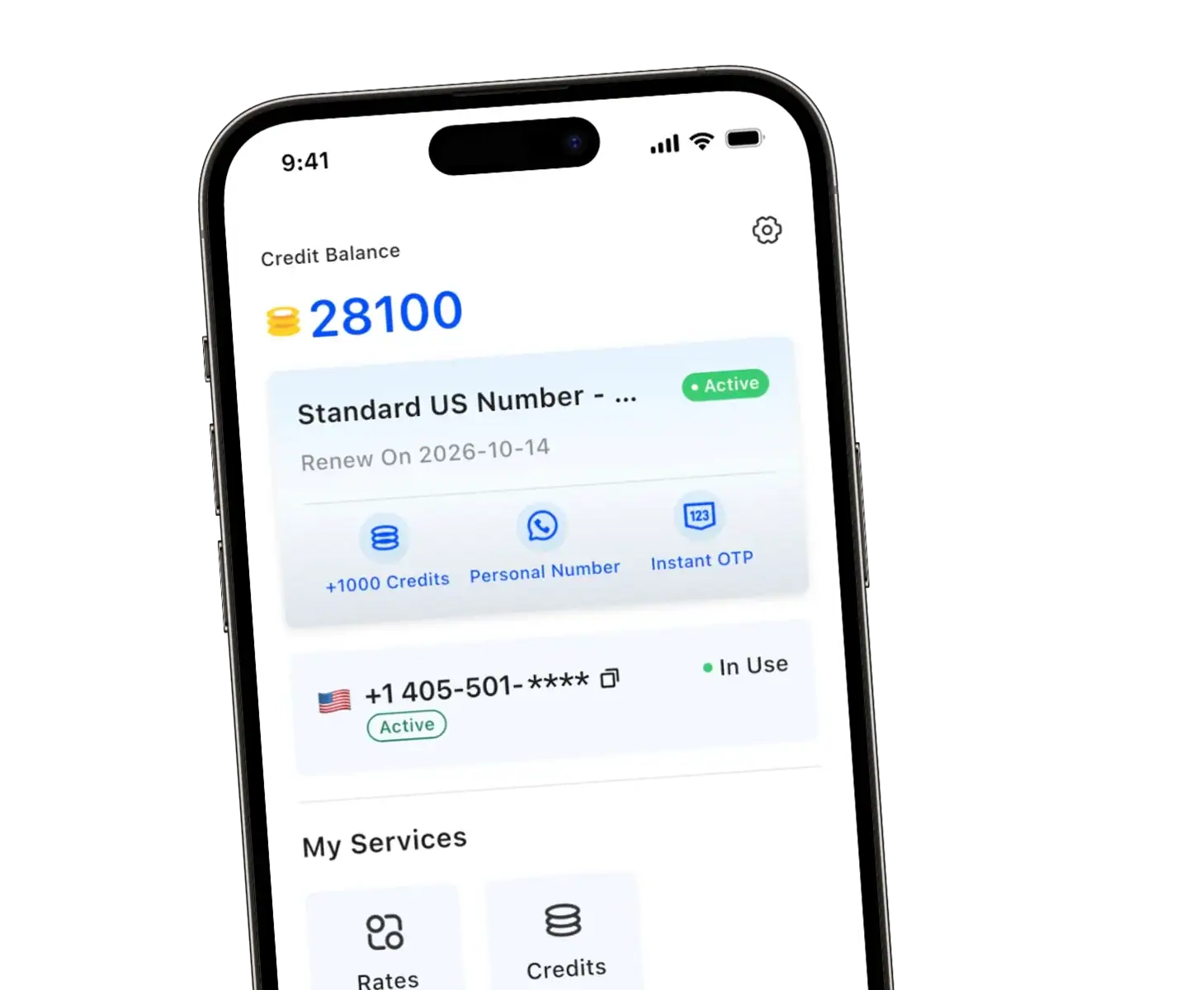
We provide TrueNumber as a second U.S. number for calls and SMS on your existing phone. It helps you separate public conversations from your personal line. Explore TrueNumber and get the app, or contact us about your use case.