Discord is a top platform for online communities, but its strict phone verification can be a hurdle for many users. If you want to join or manage a server without sharing your real phone number, there are secure ways to bypass Discord’s phone verification process. This guide covers practical methods and tips to help you navigate Discord’s verification requirements safely.

How Discord Phone Verification Works
Discord phone verification is designed to confirm users’ identities by sending a verification code to their phone number. You enter this code to complete the process and access your Discord account or server.
Why Discord Requires Phone Verification
Discord uses phone verification to reduce spam, block bots, and ensure that each account is tied to a real person. Requiring a phone number helps keep servers safe and makes it harder for malicious users to create multiple fake accounts. Verification also allows for two-factor authentication, making your account more secure.
Common Challenges With Verification Codes
-
Invalid Number: Double-check your country code and re-enter your phone number if Discord says it’s invalid.
-
Verification Code Not Received: Network delays can cause codes to arrive late. Wait briefly and try again.
-
Burner or VOIP Numbers: Discord often blocks these, so use a genuine mobile phone number if possible.
-
Duplicate Numbers: Each phone number can only be linked to one Discord account at a time.
-
Incorrect Code Entry: Enter the code exactly as received to avoid verification failure.
How to Bypass Discord Phone Verification
Using Temporary Phone Numbers
Temporary phone numbers can help you bypass Discord verification quickly. Services like TrueNumber or Google Voice provide numbers that can receive SMS. To use this method:
-
Sign up for a temporary phone number service.
-
Use the number to get the Discord verification code.
-
Enter the code on Discord to verify your account or join a server.
Note: Some free services may not always work, so you may need to try different providers.
Second Phone Number Services For Discord
Second phone numbers offer privacy and flexibility. Providers like TrueNumber let you buy a real number that can receive Discord verification codes. Here’s how:
-
Choose a 2nd phone number provider.
-
Register and get a number.
-
Use it for Discord phone verification and enter the received code.
2nd phone numbers are useful if you need to manage more than one Discord account or server.
Burner Phones and VoIP Options
Burner phones are prepaid devices you can use just for Discord verification. After verifying, you can discard the number. To use these:
-
Get a burner phone or a VoIP-provided number.
-
Use the number for Discord verification.
-
Enter the code to verify your Discord account.
These options may require a small fee but are reliable for bypassing phone verification.
Tips for Managing Multiple Discord Accounts
Handling several Discord accounts can be tricky, especially when it comes to verification. Here are some practical ways to keep your accounts organized and secure.
-
Use unique emails and a different phone number for each Discord account to simplify verification.
-
Keep a record of which phone number is linked to each account to prevent mix-ups.
-
Each phone number can usually verify only one Discord account, so plan your registrations carefully.
Get Your 2nd Phone Number in Seconds with TrueNumber
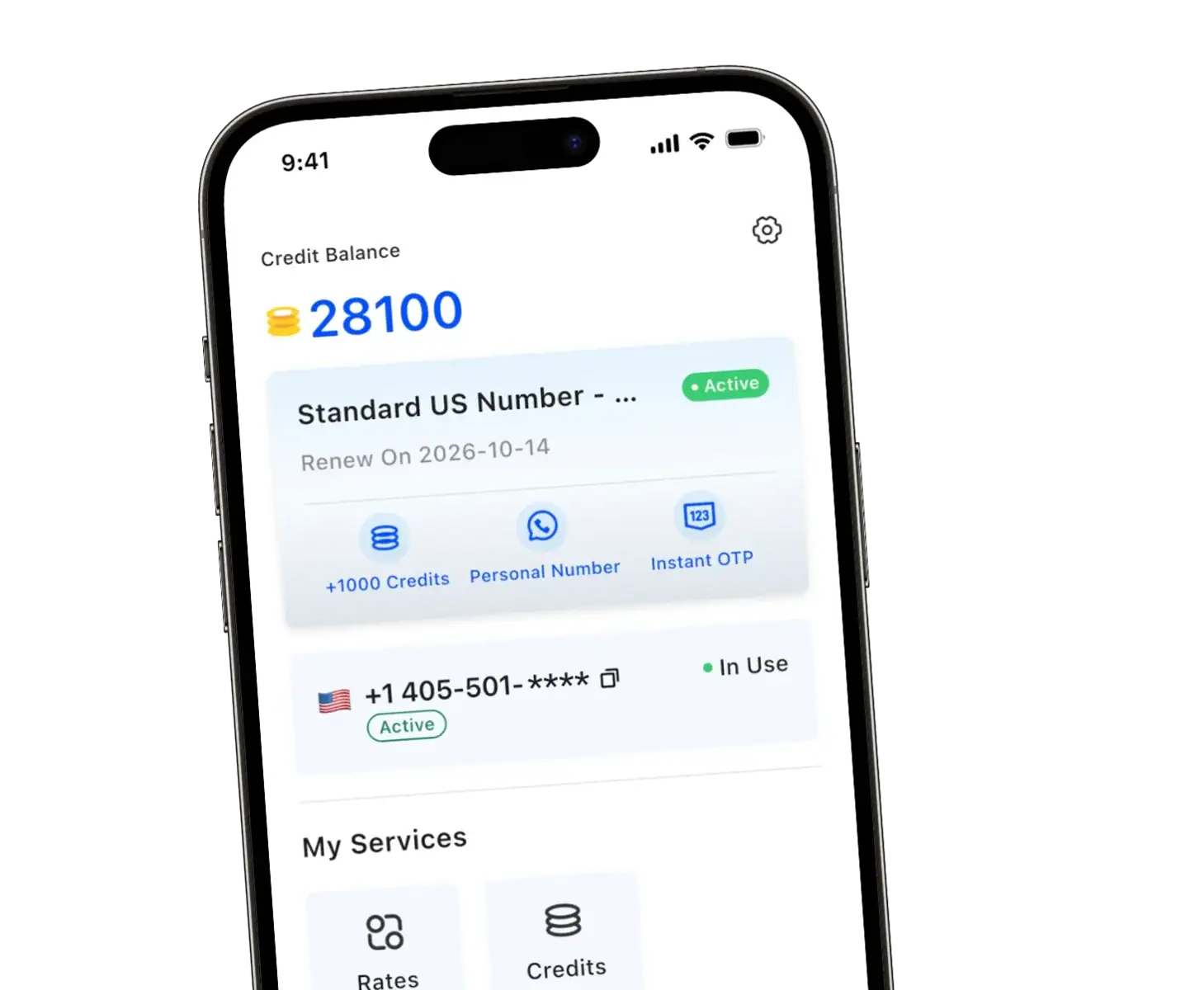
At TrueNumber, we specialize in providing secure, reliable 2nd phone numbers for Discord verification and other online services. Our solutions help you protect your privacy and manage multiple Discord accounts or servers with ease. Choose TrueNumber for hassle-free phone verification and seamless Discord access. Download TrueNumber Now!
Frequently Asked Questions
Can I use the same phone number for multiple Discord accounts?
No, Discord only allows one account per phone number for verification.
What happens if Discord blocks my temporary number?
Try another provider or switch to a paid virtual phone number service for better success.
Can I use a landline phone for Discord verification?
No, Discord requires a mobile number that can receive SMS texts. Landline numbers typically do not work for this purpose.
What should I do if I can’t receive the verification code?
If you don’t receive the verification code, check your network connection and ensure that your phone number is correct. If issues persist, consider using a different number or a reliable temporary phone service.