Hearing “the number you have dialed has calling restrictions” does not tell you exactly what failed. Start by checking whether one destination or several are affected, then review your account, dialing format, and connection. The announcement alone does not prove someone blocked you.
What Does Calling Restrictions Mean?
A calling restriction limits which calls a phone service can complete. The announcement may relate to a plan rule, account condition, or destination restriction.
Its exact wording matters. Record the full message and any announcement number instead of searching only for the last few words.
For example, Verizon’s Announcement 19 guidance addresses a recording about dialing beyond a designated service area. It directs customers to check coverage and plan restrictions.
That explanation applies to the documented recording. Similar wording on another service does not establish the same cause, and a generic online fix may miss your situation.
Treat the message as a clue for support. Avoid assuming the recipient stopped paying their bill, blocked you, or changed their number.
First, Identify Which Calls Fail
Make a small number of test calls to willing contacts. Note the results before changing settings; otherwise, you may lose the comparison you need.
| What you observe | Where to focus next |
| One destination fails; others connect. | Verify the number and ask support about destination-specific routing or restrictions. |
| Several unrelated destinations fail. | Review your line status, account notices, connection, and outgoing-call permissions. |
| Only international or certain number types fail. | Check whether the plan permits those destinations and confirm the required dialing format. |
| The issue began after activation or a number transfer. | Check activation and transfer completion with the provider. |
| Only calls inside a second-number app fail. | Investigate that app’s connection, account, and service separately from your cellular line. |
These are troubleshooting directions, not diagnoses. A successful call to one person does not prove that every part of your account or network is working.
Check the Account and Number Before Resetting Anything
- Confirm the destination: Re-enter the number from a trusted source. Include the area code and the appropriate country code where required.
- Review account notices: Look for a suspended line, billing block, or incomplete setup. Use the provider’s official app or website.
- Confirm the call type: Ask whether your plan allows the destination, international calling, and any roaming you need.
- Check recent changes: Tell support if you recently changed phones, SIMs, eSIMs, plans, or providers.
A newly transferred number deserves particular attention. Google Fi’s troubleshooting guide includes checking transfer status and activation before investigating the network.
If an account notice identifies the problem, follow the provider’s resolution process. Repeated restarts cannot remove an account restriction.
For a work-managed line, ask the administrator whether a policy limits outgoing calls. Do not change organizational restrictions without authorization.
Test Your Connection and Phone Settings
Try one change at a time and repeat the same test afterward. Keep track of what improved, rather than toggling every option at once.
- Refresh the connection: Restart the phone or briefly turn Airplane Mode on, then off. Confirm it is off before testing ordinary cellular calls.
- Try another location: Compare results somewhere with better reception, if available.
- Check updates: Install applicable phone software and carrier settings updates using the device manufacturer’s instructions.
- Separate connection types: If carrier Wi-Fi Calling is supported and configured, compare it with a cellular call and record which fails.
Wi-Fi Calling still uses your carrier’s service. A better internet connection does not necessarily resolve a plan limit or an account block.
Incoming-call problems need different checks. Blocked contacts, call forwarding, and unknown-caller settings can affect whether your phone rings; they do not automatically explain an outgoing restriction announcement.
Apple’s call-failure guidance covers account checks, updates, and device settings. Follow the instructions for your own operating-system version.
Save a network reset for a later, informed step. Apple notes that it removes saved Wi-Fi passwords and other network settings. Avoid a factory reset as your first response.
Troubleshoot TrueNumber Calls Separately
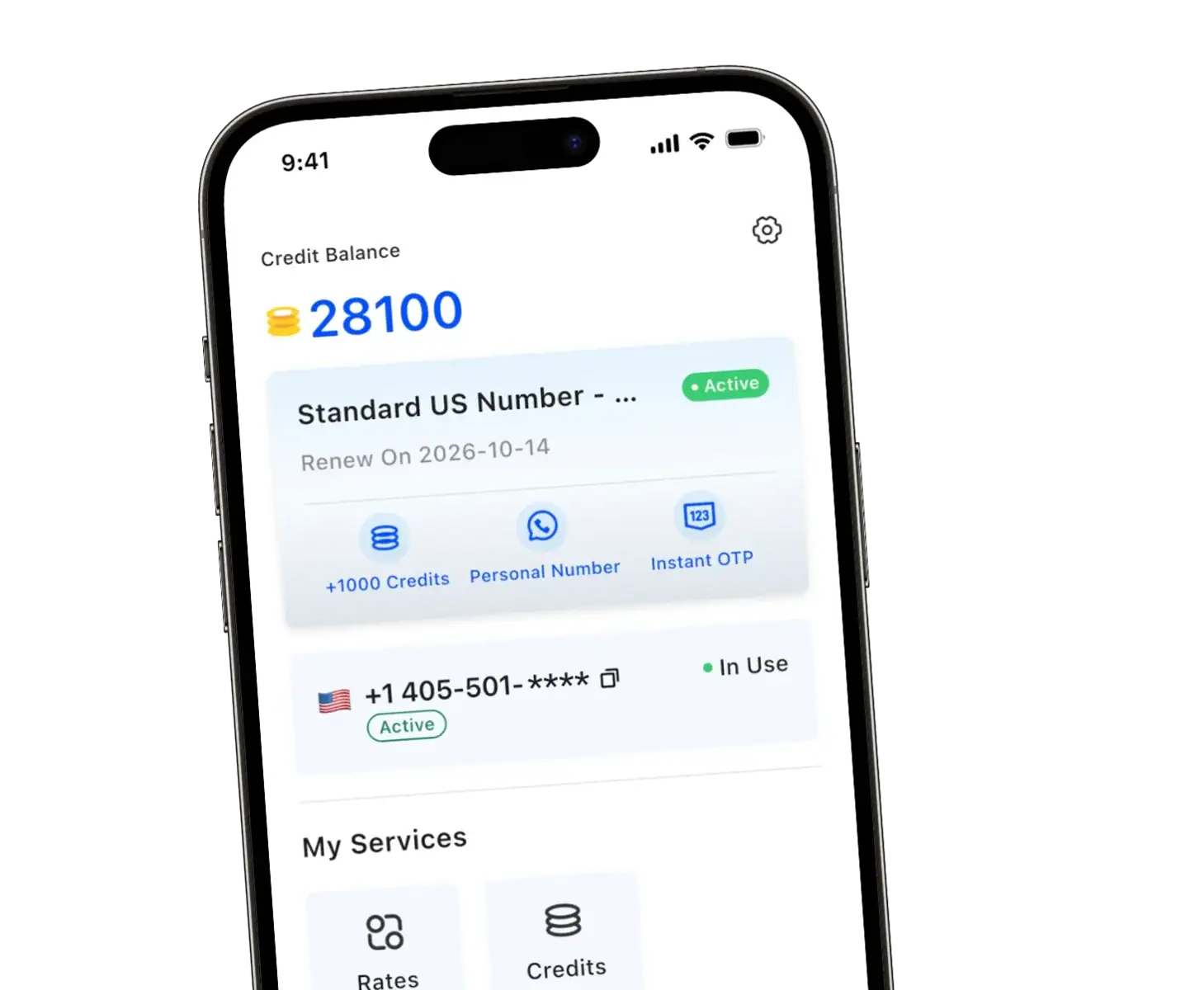
With TrueNumber, we offer a US second phone number for calls and texts. Keep clear which number and app you used when reporting a failure.
A carrier announcement in your regular Phone app and an error inside TrueNumber may involve different services. Capture the exact behavior before deciding which support team to contact.
- Confirm that the app can access a working internet connection, and compare Wi-Fi with mobile data if both are available.
- Update the app, reopen it, and check any visible account or service notices.
- If the call connects but nobody can hear you, check microphone permission and the selected audio device. This differs from a call rejected before connection.
- Record the app version, phone model, destination, and time of failure for our support team.
These are general app checks, not documented fixes for a specific TrueNumber error code. A second number cannot guarantee access to a restricted destination or repair your main carrier account.
Give Support Evidence They Can Use
Contact the provider when the issue persists after basic checks, particularly after a transfer or activation. A short test record is more useful than “calls don’t work.”
| Include | Useful detail |
| Failure description | Exact announcement, error text, and whether ringing ever starts. |
| Call examples | Destination, date, time, and time zone for a failed attempt. |
| Scope | Incoming or outgoing; one destination or several; cellular, carrier Wi-Fi Calling, or app. |
| Recent changes | Activation, transfer, device change, or account notice. |
Ask the provider to check permissions, activation, and call routing for those examples. Share full phone numbers through its private support channel.
FAQs about Calling Restrictions
Does calling restrictions mean blocked?
Not necessarily. A restriction message alone cannot distinguish a personal block from a service limitation. Respect contact boundaries rather than using another number to circumvent them.
Why do texts work when calls fail?
Successful messaging does not establish that voice calls are configured and permitted correctly. Tell support which services work so they can narrow their investigation.
Will changing my number fix calling restrictions?
There is no general guarantee. Identify the restriction first; changing numbers could leave an account, connection, or destination problem unresolved.
Keep Your Calls and Contacts Organized
At TrueNumber, we help you separate everyday communication with a US second number. Explore our calling and texting app, or contact us with your TrueNumber call details so we can help investigate.