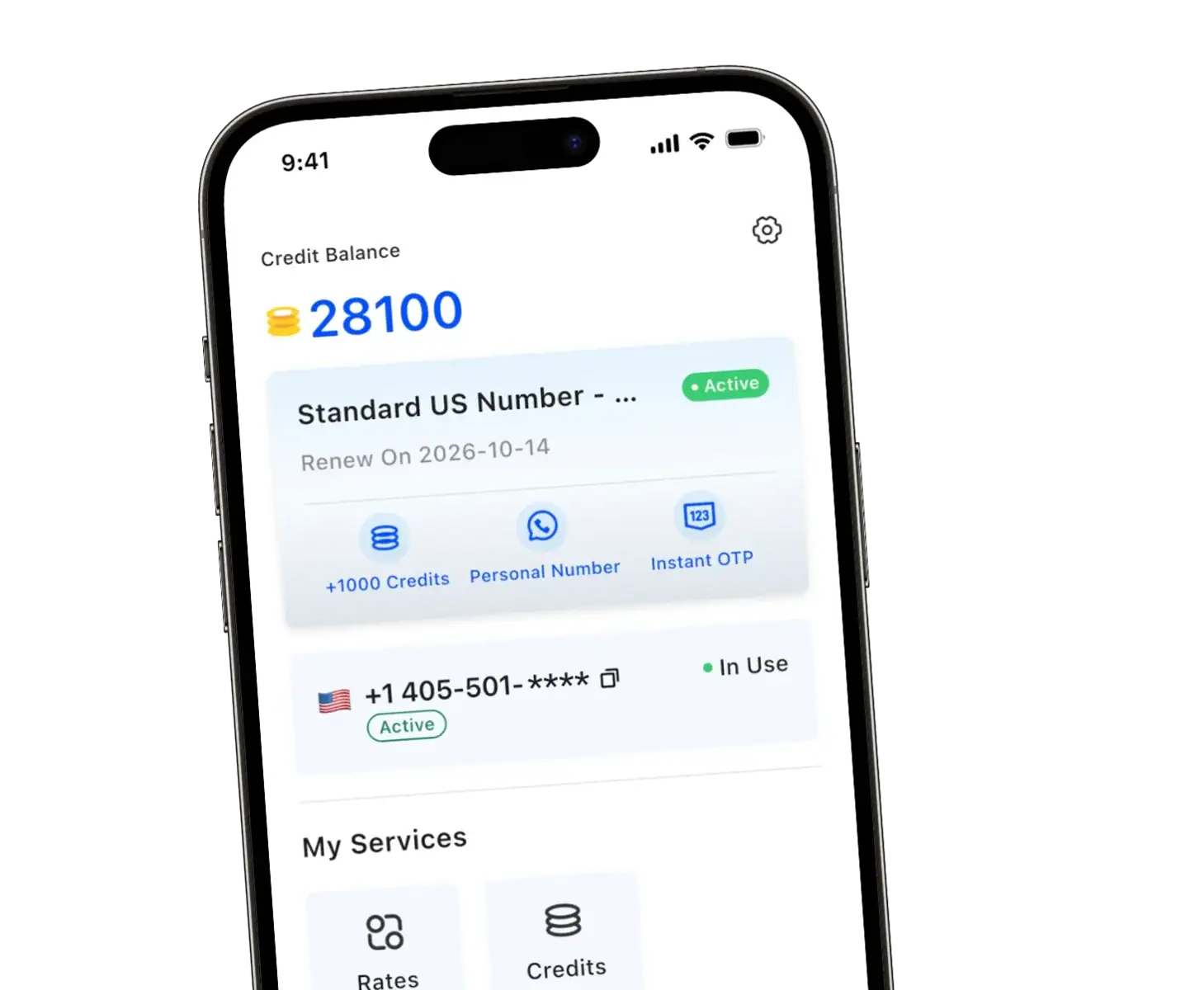
Ever wondered if you can use the same phone number across two devices? Whether juggling work and personal life or just wanting a backup, having one number on two phones is completely possible. Let’s explore how modern apps make sharing a single phone number seamless.
How to Use the Same Phone Number on Two Phones
Traditionally, a mobile number is permanently tied to one physical SIM card. But today, modern technology breaks that limitation entirely. You can easily link one number across multiple phones without complicated technical hacks.
Most people achieve this by using a dedicated virtual number app or configuring call forwarding options through their carrier. By adopting these methods, you gain the flexibility to answer calls and reply to messages from whichever device is closest to you.
VoIP Services Let You Connect One Number on Multiple Devices
The absolute easiest way to share a number is through a reliable VoIP provider. VoIP (Voice over Internet Protocol) services let you transmit voice and messages over an internet connection rather than a traditional cellular network.
When you use a VoIP app, your digits aren’t trapped inside a single phone. You simply install the app on your iPhone, Android, or tablet, log into your account, and your number is instantly active across compatible devices.
| Connection Method | Main Pros | Potential Cons |
| VoIP App | Works purely on WiFi, no extra SIM needed, perfect for travel. | Requires an active internet connection. |
| Carrier Service | Uses your existing cellular network infrastructure. | Often costs extra monthly fees, lacks privacy features. |
Does Your Carrier Allow One Number on Two Phones?
Certain major cellular networks do offer solutions for sharing a number. For example, Verizon provides specific routing tools, and T-Mobile customers might explore the DIGITS plan to sync their main phone.
However, carrier solutions often require you to switch SIM cards or pay hefty add-on fees. Rather than wrestling with a second SIM card or restrictive carrier limitations, many individuals prefer the flexibility of an independent app.
- Carrier plans offer limited flexibility compared to third-party VoIP apps.
- It is often frustrating to swap devices seamlessly on standard carrier networks.
- Built-in carrier syncing can drain your battery if poorly optimized.
Why Use One Phone Number on Two Devices?
Why choose an app over standard carrier options? It all comes down to incredible reliability and convenience. Here is why making the switch makes sense:
- Always connected: If your primary device gets lost or dies, your backup is instantly ready for incoming calls.
- Less clutter: Stop carrying two bulky cell phones. Just install the app on your tablet or personal phone.
- Work-life balance: Easily answer calls for work without exposing your personal life.
- Team flexibility: Small businesses love this setup because it allows staff to share their mobile number effortlessly.
While some users consider Google Voice or OpenPhone, TrueNumber stands out. Unlike basic shared phone numbers, TrueNumber provides a real US number that catches SMS verification codes—a crucial feature many VoIP services lack.
Get Your Second Number with TrueNumber
TrueNumber is a second phone number app designed to help you add a real U.S. number to your iPhone in seconds. You can use it for private calls, secure texts, verification, and multiple numbers on one phone. TrueNumber can also support freelancers, teams, and customer-facing use cases. Start here: Get the App.