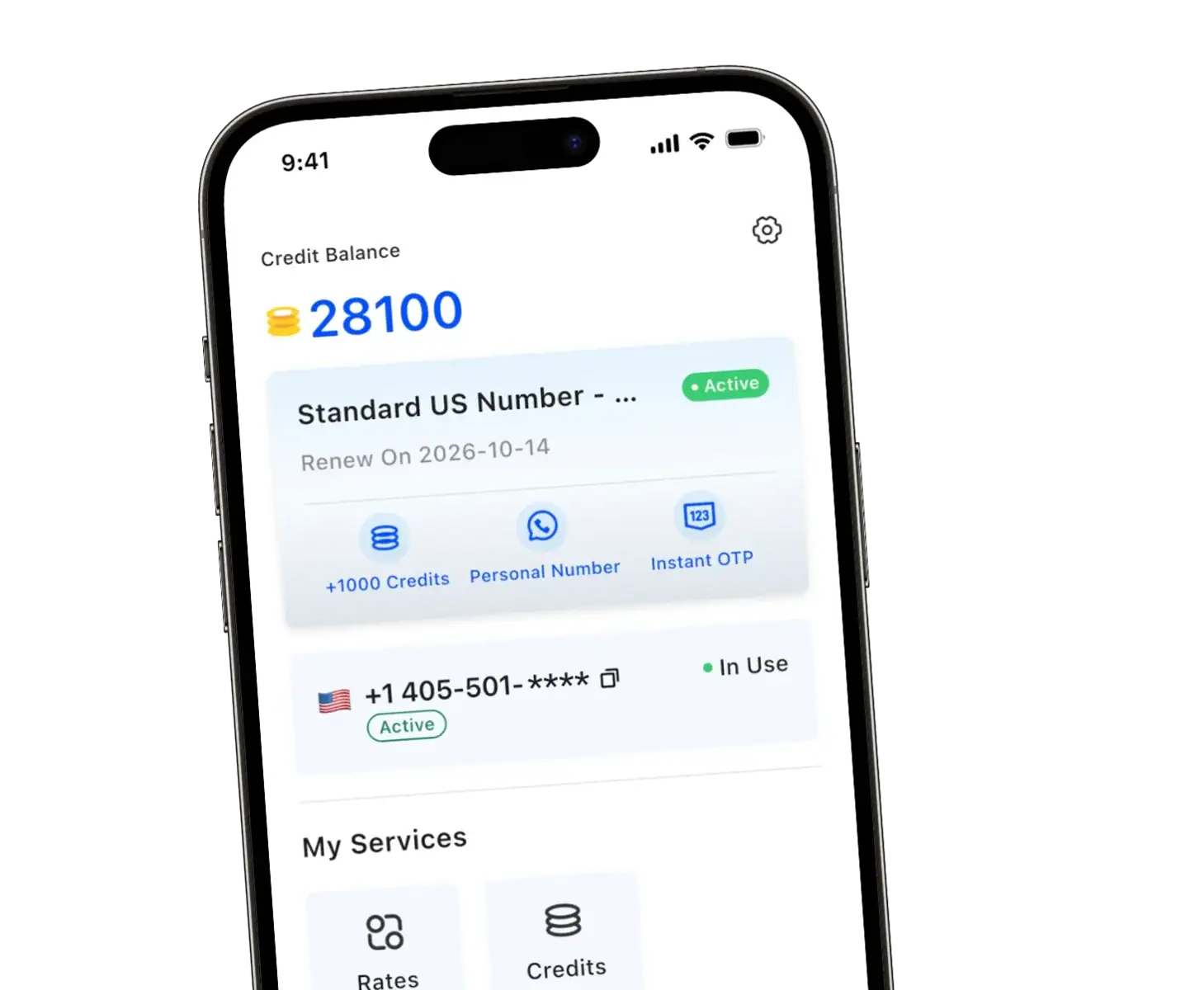
Need to use Telegram without giving out your real phone number? You’re not alone. Whether you’re protecting your privacy or managing multiple accounts, a virtual number for Telegram is the simplest solution. Here’s everything you need to know.
Why Use a Virtual Number for Telegram?
Telegram requires a valid phone number for account verification — there’s no way around it. But that doesn’t mean it has to be your personal number.
Using a virtual number lets you:
- Keep your personal number private from strangers or new contacts
- Register a separate telegram account for work, privacy, or testing
- Avoid linking your identity to your activity on the platform
- Use Telegram without exposing your actual mobile number
This is especially useful if you’re active in public groups, online communities, or simply value privacy and security in your digital life.
How Does a Virtual Number Work for Telegram Verification?
The process is straightforward. When you create a telegram account, Telegram sends an SMS with a verification code to the number you provide. A virtual phone number works exactly the same way — it receives that SMS and lets you complete the setup.
Here’s how a typical verification process looks:
- Sign up with a virtual number provider and select a number
- Open the Telegram app and enter your virtual number
- Wait to receive SMS with the verification code
- Enter the code in Telegram — done
The key is choosing a virtual number provider that offers real, SMS-capable numbers, not recycled or flagged ones. Telegram often blocks numbers that are widely shared or flagged as spam.
Free vs. Paid Virtual Numbers — What’s the Difference?
It’s tempting to go for free numbers first, but there are real trade-offs to consider.
| Feature | Free Virtual Numbers | Paid Virtual Numbers |
| SMS verification success rate | Low — numbers are shared | High — dedicated number |
| Number availability | Limited, often gone fast | On-demand selection |
| Privacy | Minimal | Full privacy control |
| Reliability | Inconsistent | Consistent & stable |
| Reusability | One-time only | Long-term use |
Free numbers are often recycled among many users, which means they may already be flagged by Telegram. Paid numbers, like those from TrueNumber, give you a dedicated line that works reliably for sms verification and ongoing use.
Choosing a Virtual Number for Telegram: What to Look For
Not all virtual number providers are equal. When choosing a virtual number, keep these factors in mind:
- SMS delivery reliability — Can it actually receive the sms verification code from Telegram?
- Number type — Is it a real mobile number, or a VoIP/toll-free line? Telegram may reject 888 number formats or certain VoIP ranges.
- Privacy protection — Does the service encrypt your data and keep your identity anonymous?
- Flexibility — Whether you need a temporary number for a one-time signup or a long-term dedicated number, make sure the service supports both.
- Ease of use — A good mobile app makes the whole process seamless.
A solid virtual number provider that offers real US numbers with local area codes, no SIM card required, and full SMS support is your best bet for smooth telegram verification.
Step-by-Step: Create a Telegram Account Without Your Real Number
Ready to create a telegram account without using your personal phone? Here’s how to do it using a virtual phone number for Telegram:
Step 1 — Get a virtual number Download a trusted app like TrueNumber and subscribe to a plan. Select a number with a US area code.
Step 2 — Open the Telegram app Start the sign-up process. When prompted, enter your virtual number instead of your real one.
Step 3 — Receive the code Wait for the sms messages to arrive in your virtual number app. This usually takes under a minute.
Step 4 — Enter the code Enter the verification code into Telegram to complete verification. Your account is now active and your personal phone number stays hidden.
Using a virtual number also works for apps like Telegram — platforms like WhatsApp, Discord, Instagram, and others follow the same SMS-based account verification flow.
FAQs about Virtual Numbers for Telegram
Can Telegram detect a virtual number?
Telegram itself doesn’t automatically reject all virtual numbers. However, telegram often blocks numbers that have been used by many people or are associated with known spam activity. Using a paid, dedicated number significantly reduces this risk.
Are free virtual numbers safe to use?
Free virtual numbers are convenient for one-time verification, but they come with risks. Since numbers are shared among users, someone else may have already used the same number on Telegram, causing verification issues. For reliable account verification, a paid option is recommended.
Can I use a virtual number long-term on Telegram?
Yes. As long as your number service remains active, your Telegram account stays linked to that number. This is different from temporary phone numbers, which expire after a short period. Whether you need a temporary or long-term solution, just make sure your plan stays active.
Will my contacts see my virtual number?
Yes — your contacts will see the number on telegram that you registered with. But since it’s an anonymous number for telegram, your real identity and personal phone number remain protected.
Can I receive calls on my virtual number too?
With services like TrueNumber, yes. It’s not just for SMS — you can also make and receive calls using your virtual number, making it a fully functional second line.
Get Your Second Number with TrueNumber
TrueNumber is a second phone number app designed to help you add a real U.S. number to your iPhone in seconds. You can use it for private calls, secure texts, verification, and multiple numbers on one phone. TrueNumber can also support freelancers, teams, and customer-facing use cases. Start here: Get the App.