Need to sign for a new app but don’t want to expose your actual phone number? You’re not alone. Protecting your identity online is crucial today. Fortunately, there is a quick and easy way to receive an SMS verification code without handing over your primary line. Let’s explore how.
Why Receive a Verification Code Without Your Main Phone Number?
Using your primary phone number everywhere leaves you vulnerable. A secondary option helps you avoid spam and protect your privacy on the internet.
Many platforms require you to authenticate your account for security. However, providing your real digits can lead to data leaks or a targeted attack where hackers try to discover your sensitive information.
Key reasons to use an alternative method include:
- Keep your bank account and Gmail details separate.
- Prevent unwanted marketing calls when you register for services.
- Safely log into your account while traveling outside of America.
Choose a Quick Service to Receive Verification Codes
You might consider a standard VOIP provider like Google Voice or TextNow. However, many modern platforms block these virtual phone numbers, leaving you unable to access your profile.
To verify reliably, you need a service that offers a real US phone number. This ensures you can successfully authenticate and never miss a text message when you log in.
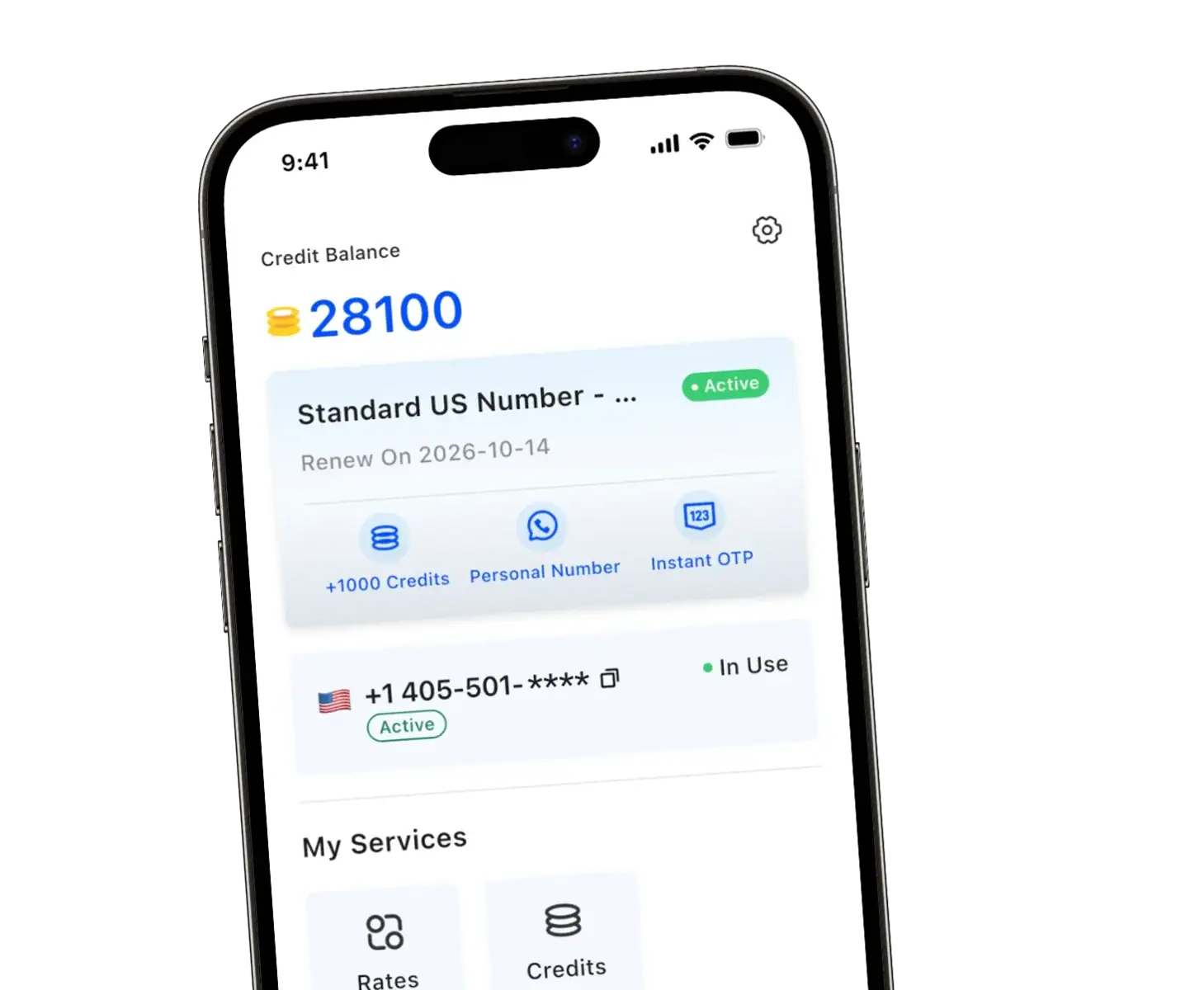
TrueNumber is an excellent app that gives you an actual phone number that works just like a physical SIM card. It operates entirely over the web, making it highly effective.
| Feature | TrueNumber | Standard Virtual Numbers |
| Number Type | Real Mobile Number | VOIP |
| OTP Success Rate | High (WhatsApp, TikTok, etc.) | Low |
| Privacy Level | End-to-end encryption | Varies widely |
| Hardware | No SIM required | No SIM required |
Step-by-Step Guide: How to Receive SMS Verification Codes
Ready to generate your new digits? Here is a quick way to get verification codes using your mobile device.
- Download the TrueNumber app from your app store.
- Choose your preferred country area code to get a temporary phone number or a long-term line.
- Enter this new phone number on the website or platform that needs to verify your identity.
- Open the app to receive the sms messages and password.
Because no SIM card is required, it is an incredibly secure and easy way to handle 2FA and receive sms verification codes on the go.
Prevent Privacy Leaks When You Verify Your Account
SMS verification codes are commonly used for digital authentication, but they shouldn’t compromise your safety. By using a dedicated secondary app, you put a lock on your personal data.
Hackers cannot easily hack your main line when you use a separate device or service section to receive codes. Plus, you can easily pay for flexible plans without hidden fees.
FAQs about Getting an SMS Verification Code Without a Phone
Can I use this feature for my bank?
Yes, verification codes are commonly used by financial institutions. A premium service with a real phone number will allow you to receive verification texts reliably without getting flagged.
Do I need a trial to test the service?
You can set up a number quickly. Check the app features to see how the service fits your personal or business needs before fully committing.
Will the code via text expire?
Yes, every time you send an OTP request, the message you receive has a short expiration window. Make sure to input your key promptly. *
Get Your Second Number with TrueNumber
TrueNumber is a second phone number app designed to help you add a real U.S. number to your iPhone in seconds. You can use it for private calls, secure texts, verification, and multiple numbers on one phone. TrueNumber can also support freelancers, teams, and customer-facing use cases. Start here: Get the App.