A second-number call has no universal data rate. Conventional two-way VoIP examples work out to roughly 0.5–1.3 MB per minute, but that isn’t a measured TrueNumber rate. Your phone’s per-app counter is the best starting point for your own estimate.
How Much Data Does VoIP Use per Minute?
Voice travels in packets. Data usage depends on audio compression, packet overhead, and how the connection handles speech and silence.
Cisco’s bandwidth calculations provide useful reference examples. At 20 milliseconds of audio per packet, its two-way Ethernet figures convert to:
| Reference configuration | Upload + download | Data per minute | Data per hour |
| G.729 | 62.4 kbps | About 0.47 MB | About 28 MB |
| G.711 | 174.4 kbps | About 1.31 MB | About 78 MB |
These are calculated examples, not measurements of our app or limits covering every calling service. Cellular accounting, app behavior, and network overhead can produce different totals.
The conversion uses decimal megabytes: total kilobits per second × 60 ÷ 8 ÷ 1,000. Count both directions when estimating transferred data, rather than only the outgoing audio.
What This Means for TrueNumber Calls
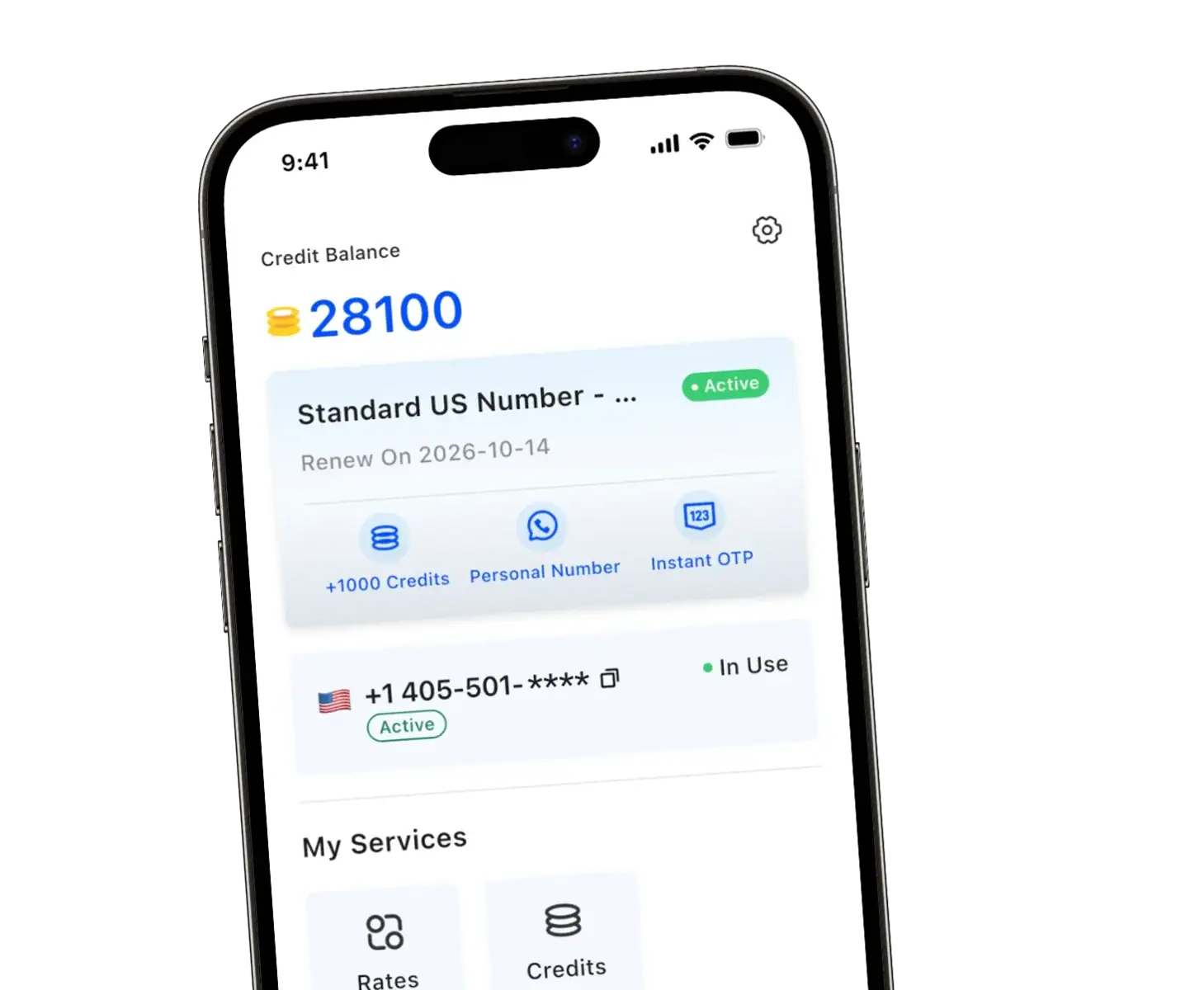
With TrueNumber, we give you a US second number for calls, texts, and verification needs without another SIM card. You can keep customer inquiries, marketplace conversations, and personal calls on separate numbers.
Our app works over Wi-Fi or mobile data. When you call using your mobile connection, include the app’s traffic in your data budget.
Having a US phone number doesn’t itself tell you how many megabytes a call consumes. The number you present to contacts and the internet connection carrying your app traffic serve different purposes.
Before choosing a data allowance for regular TrueNumber calls, measure your own usage. You’ll get a more useful planning figure than borrowing another app’s advertised rate.
Measure Your TrueNumber Data Usage
Find the counter on your phone
- iPhone: Open Settings, then Cellular or Mobile Data, and find TrueNumber in the app list. Record its current total.
- Google Pixel: Open Settings, then Network & internet, SIMs, and App data usage. Select the relevant period and find TrueNumber.
- Other Android phones: Look for App data usage or Mobile data usage. The path depends on your manufacturer.
See Apple’s cellular-data instructions and Google’s Pixel data-usage guide if the menu differs. These counters measure cellular usage; don’t use them to estimate Wi-Fi traffic.
Run a controlled call
- Choose a time when your plan has enough mobile data available.
- Turn off Wi-Fi and record TrueNumber’s per-app data total.
- Make a normal ten-minute voice call without sending attachments or browsing inside the app.
- End the call, allow the counter to update, and record the new total.
- Subtract the starting total, then divide the increase by ten.
Illustrative calculation: If the counter increased from 14 MB to 22 MB, the test window used 8 MB. Dividing by ten gives 0.8 MB per minute.
Those numbers demonstrate the method; they aren’t a TrueNumber test result. The increase can include call setup and other app activity during that window.
Repeat the test two or three times, including an incoming call if that reflects your routine. Record the app version, network, duration, and results.
Turn Your Measurement Into a Monthly Budget
Estimated calling data = your measured MB per minute × mobile-data calling minutes.
Using the illustrative 0.8 MB-per-minute result above:
| Calling pattern | Minutes | Illustrative data use |
| One short call | 10 | 8 MB |
| One longer conversation | 30 | 24 MB |
| One hour of calls | 60 | 48 MB |
| Ten minutes daily for 30 days | 300 | 240 MB |
Replace 0.8 with your result. Include incoming and outgoing conversations that use mobile data, and keep Wi-Fi calls outside that mobile-data calculation.
Leave room for messages, other app activity, and changing conditions. Check your carrier’s usage dashboard too: its billing measurements may differ from your phone’s counter.
Does Wi-Fi Calling Use Mobile Data?
An app call carried entirely over Wi-Fi uses that network’s internet connection. A hotspot is different: your phone may show Wi-Fi while the hotspot owner’s cellular plan supplies the data.
Also check automatic network assistance. Apple explains that Connectivity Assist can supplement weak Wi-Fi with cellular data. Older devices may show Wi-Fi Assist instead.
To keep a test strictly on Wi-Fi, disable cellular data for the app where your phone allows it. Expect the call to depend on Wi-Fi remaining available.
Data charges and calling charges are separate. Wi-Fi doesn’t automatically make a TrueNumber call free. Check your selected number plan, destination rates, and any applicable usage charges in the app.
When traveling, check the data plan providing your connection before a long call. A small megabyte total can still matter on expensive pay-per-use roaming.
Keep Data Use Predictable
- Use stable Wi-Fi for longer conversations: Check that the connection works before starting an important call.
- Separate calling from file transfers: Schedule app updates, backups, and large uploads outside a limited mobile-data session.
- Review usage after updates: Repeat your measurement when the app, phone, or network changes substantially.
- Keep incoming calls in mind: After changing background-data restrictions, test whether you can still receive calls reliably.
You don’t need to turn every setting off. Start with the connection and the app’s measured total, then change one thing at a time.
FAQs about Second-Number Call Data Usage
Do incoming calls use data too?
Yes, when received through an internet calling app over mobile data. A connected conversation sends and receives audio, regardless of who dialed.
How many calling minutes does 1 GB provide?
Divide 1,000 MB by your measured MB per minute. At an illustrative 0.8 MB per minute, that’s 1,250 minutes before allowing for other traffic.
Does “no SIM required” mean no internet required?
No. You don’t need an additional SIM for your TrueNumber, but the app still needs a working Wi-Fi or mobile-data connection.
Make Your Second Number Work for You
At TrueNumber, we help you keep your main number private while staying reachable through calls and texts. Choose short-term use or keep your second number for ongoing conversations.
Explore our TrueNumber features and start planning around your actual calling habits. If you need help choosing how to use your number, contact us.