Ever wondered what that long string of digits on your SIM card means? That is your SIM card number, and knowing how to find it can save you time when switching carriers. In this guide, you will learn exactly what this number does and how to locate it quickly on any device.
What is a SIM Card Number? (ICCID vs. IMSI)
A SIM card number, technically known as an Integrated Circuit Card Identifier (ICCID), is a unique 19 to 20-digit code. Think of it as a serial number for your specific chip. It helps your mobile provider identify your account on their network.
To make things clear, here is a quick comparison between two common telecom terms you might see:
| Feature | ICCID | IMSI |
| Stands for | Integrated Circuit Card | International Mobile Subscriber Identity |
| Purpose | Identifies the physical chip | Identifies the subscriber on the network |
| Length | 19-20 digits | Usually 15 digits |
Every individual user has a unique identification number that ties their device to their carrier’s network.
Why Do You Need to Find Your SIM Data?
Why would you ever need to view this long code? Sometimes, you want to switch phone carriers and keep your current phone number. Your new provider will ask for your ICCID to transfer your service seamlessly.
You might also need to find this information in these situations:
- Activating a new eSIM or physical SIM card.
- Updating your mobile account details.
- Troubleshooting network errors with customer support.
How to Find Your SIM Card Number on Any Device
Ready to locate it? If you need to find your sim, you can retrieve the details in a few different ways. Choose the method below based on your phone’s operating system or hardware.
See It on the Physical SIM
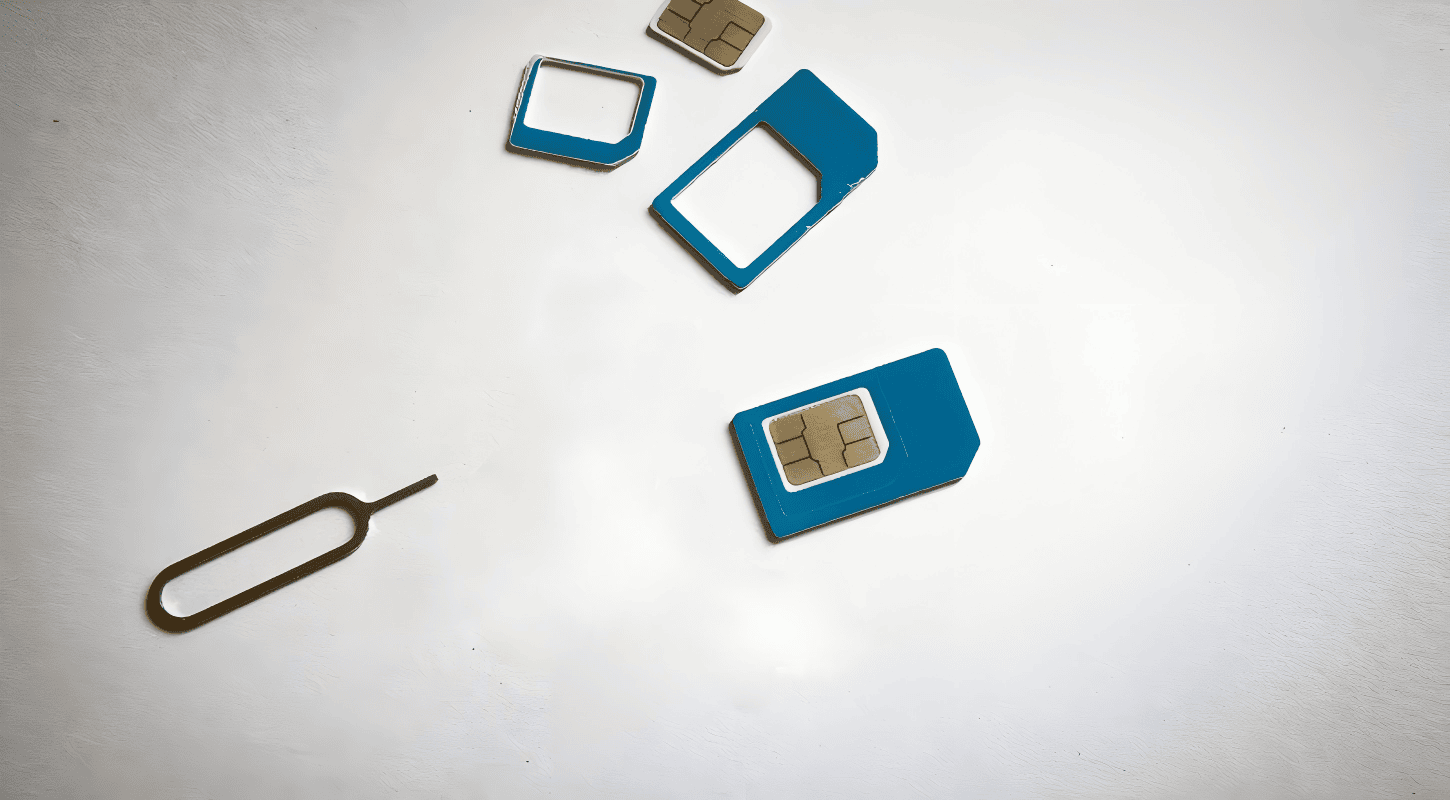
Simply remove the tray from your phone. You will see the ICCID print directly on the back of the metal and plastic chip. It is usually organized in a group of two or more rows. Take a close look, as the text is very small!
Find It in iOS Settings
For iPhone users, the process to identify your SIM’s details is incredibly quick. Just follow these steps:
- Go to your Settings app.
- Tap on General, then About.
- Scroll down until you see the ICCID field.
Check Android Settings
If you use an Android device, the steps are similar but vary slightly by manufacturer.
- Open Settings and go to About Phone.
- Tap on Status or SIM Status.
- Look for the ICCID or SIM Card Status value to check your number.
FAQs about SIM Numbers
What does ICCID stand for?
It stands for integrated circuit card identification. The number includes an industry identifier, a specific country code, and an issuer identification code to ensure global uniqueness.
Is my SIM number the same as my phone number?
No. Your phone number is how people call you. Your sim card’s ICCID is the hardware serial code that tells the network who you are. Make sure not to confuse your phone’s calling number with this serial code.
Where do you store SIM data?
Information including your contacts and messages used to be saved directly on the chip. Today, most smartphones sync this data to the cloud, while the card primarily handles network authentication.
Skip the Plastic: Store Numbers with TrueNumber
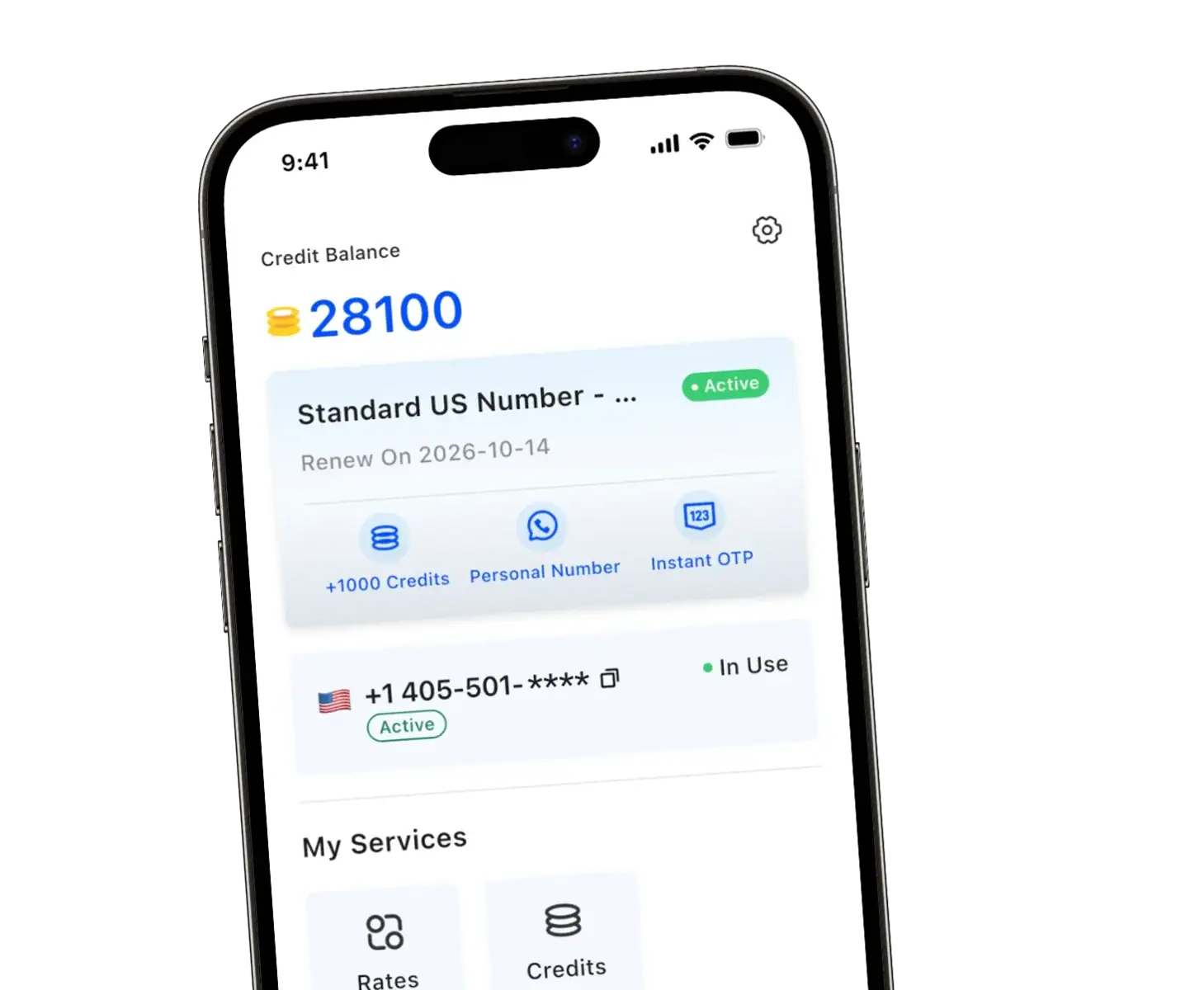
Dealing with physical cards, finding an IMEI number, and tracking down an ICCID can be frustrating. What if you could skip the hardware entirely? With the TrueNumber app, you don’t need a physical SIM card to get a real US mobile number.
You can easily make calls, send secure texts, and receive verification codes for apps like ChatGPT or Tinder. It provides complete privacy without exposing your primary digits. Whether you need an extra line for travel or business, TrueNumber offers instant setup.
Discover how much easier life is with a virtual line by checking out our features page. You can store multiple numbers on one device, completely free of traditional carrier contracts.