You can hide your phone number during an outgoing connection by changing Caller ID or using a dialing prefix. Texting works differently: protecting your primary line usually requires a separate number.
What Hiding Your Number Actually Does
Outbound identity controls what the recipient can see when you dial. If hiding works, your details may appear as “Private,” “Unknown,” or “No Caller ID.”
This setting does not make communication untraceable. Your mobile provider still processes the connection, and emergency or legally authorized services may receive identifying information.
It also does not hide your number in ordinary SMS or MMS. The messaging network needs a sender address so the recipient can identify and reply.
| Method | Works for voice | Works for texts | Best use |
| Dialing prefix | Usually one call | No | Occasional privacy |
| Outbound identity setting | Every outgoing call | No | Routine voice privacy |
| Second phone number | Yes | Yes | Consistent voice-and-text separation |
Hide Your Phone Number for One Call
A carrier prefix is the quickest method when you only need privacy once. Enter it immediately before the destination number, then dial normally.
- United States: Many services use *67 before the destination digits.
- UK: BT documents 141 as its per-use withholding prefix.
- Some cellular networks: Sony documents #31# before the destination digits on supported Android service.
Codes are regional rather than universal. Check the official guide from your carrier before assuming a prefix will block the display.
The recipient may reject anonymous connections automatically. If that person needs to reach you later, a private second line is often more practical.
Hide Caller ID Permanently on iPhone
Apple provides a built-in option for supported carriers. Follow each step in this simple path:
- Open Settings on your iPhone.
- Tap Apps, then Phone.
- Select Show My Caller ID.
- Turn the switch off before making calls.
According to Apple Support, you should contact your carrier if the control is dimmed or missing. Your plan may not allow this functionality.
Remember to restore the setting when you want friends, clients, or family to recognize you. Unknown numbers are easier to ignore.
Hide Your Number on Android
Android call settings vary by brand, operating-system release, phone app, and SIM configuration. Start with this common route:
- Open the Phone app and tap its menu.
- Choose Settings, then Calling accounts or Calls.
- Select the relevant SIM when your device has two lines.
- Open Additional settings, then Caller ID.
- Choose Hide number.
Sony’s Android instructions confirm that the route changes across releases and single- or dual-SIM devices. Some operators do not support the feature.
If you cannot find the control, search your model’s support page or contact the carrier. Do not confuse spam-identification controls with outgoing identity settings.
How to Hide Your Phone Number When Texting
Turning off Caller ID will not conceal the sender of a standard text. That call setting and your messaging identity are separate systems.
A second-number phone app solves the practical problem. Your contact sees the additional line instead of the personal number tied to your everyday account.
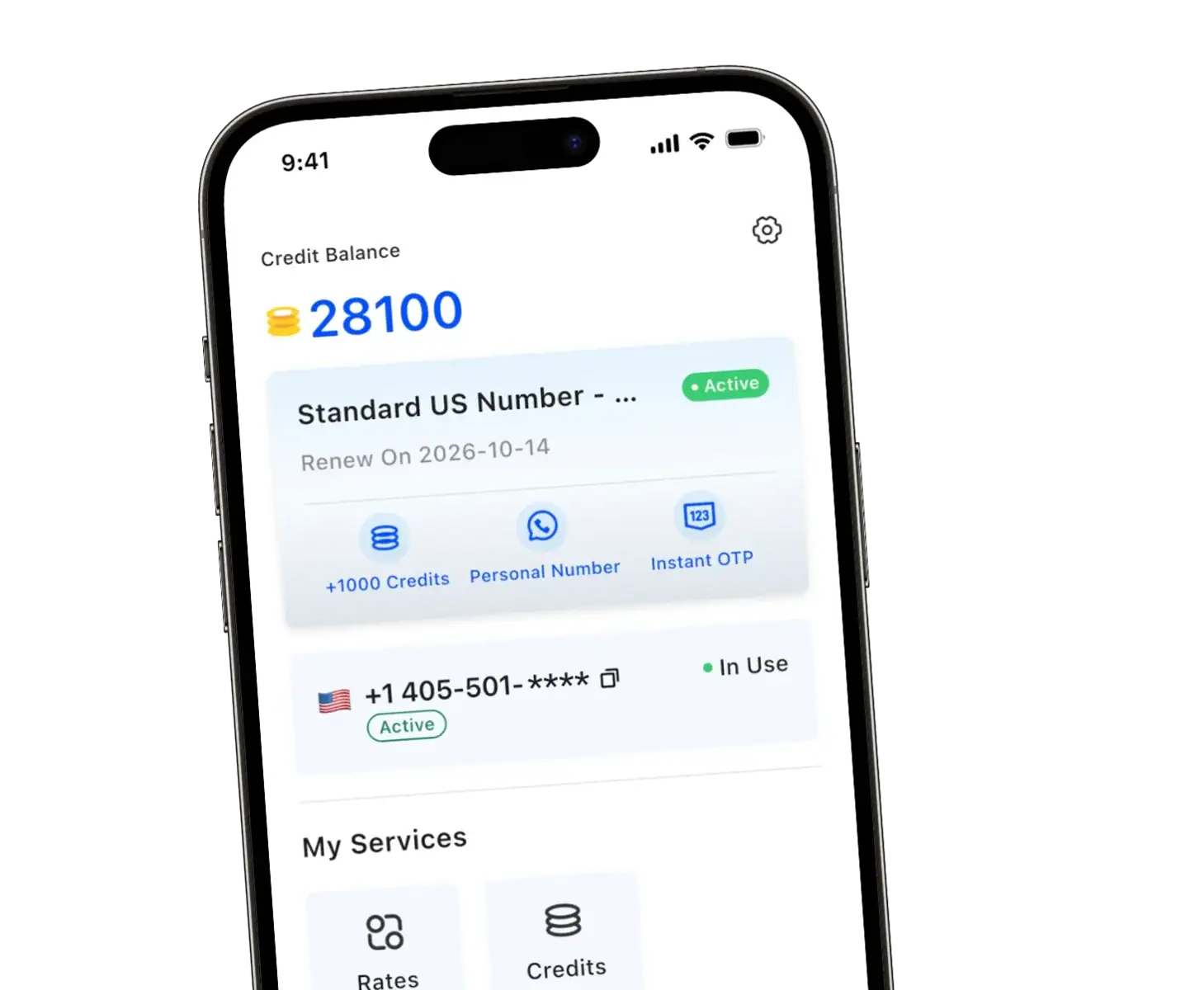
TrueNumber supports two-way calling and texting through a fully functional US line without requiring another physical SIM or mobile device.
Use a separate line for marketplace buyers, dating conversations, short projects, or customer inquiries. You remain reachable without disclosing your primary details.
Replies stay inside the second-number phone app, keeping personal threads separate. Save important conversations and maintain access while people may still need to reach you.
Unlike one-way withholding, a visible secondary line gives the recipient a consistent identity. That can build trust while your everyday details remain protected.
This approach is privacy separation, not deception. Identify yourself when appropriate, respect consent, and never use a hidden identity for fraud, threats, or harassment.
When the Hide or Block Setting Fails
A missing control usually points to carrier restrictions, account configuration, or software differences. Work through these checks before changing apps:
- Restart the phone and confirm that its software is current.
- Confirm whether the correct line is selected on a dual-SIM device.
- Ask the carrier whether outbound identity blocking is enabled.
- Test with a trusted friend rather than repeatedly dialing strangers.
- Turn the setting back on if an important call is being declined.
Identity blocking may not apply to every destination or service. A second line keeps your main identity private while still showing a reachable number.
Some organizations refuse anonymous traffic for safety or fraud prevention. In that situation, use a legitimate secondary line instead of repeatedly changing prefixes.
FAQs about Hiding Your Number When Calling and Texting
Does *67 hide your number for every call?
No. Where supported, *67 generally applies to the next call. Use your phone settings or ask the carrier about ongoing withholding.
Can someone reach back to a hidden number?
Usually not from the anonymous entry alone. If you want replies without revealing your main line, use a dedicated second number.
Can I send an anonymous SMS from my regular line?
Normal carrier messaging identifies the sending line. Use a legitimate second-number service when you need text privacy and a stable reply channel.
Why can’t I find the outbound identity control?
Your carrier, account, handset, or software version may not expose it. Consult official support information for your exact model and service.
Is hiding a number the same as spoofing?
No. Withholding prevents your digits from appearing. Spoofing presents misleading identity information and can violate laws or platform rules.
Keep Voice and Texts Private with TrueNumber
TrueNumber gives you a separate US line for private voice conversations and two-way texts on your existing phone. Download the app to keep your personal number out of everyday communication.