You usually get blocked at the same point: verification. WhatsApp wants a real, active phone setup it can trust. If your number looks temporary, recycled, or unsupported, your WhatsApp account may never get past registration.
Why a Virtual Number Gets Blocked on WhatsApp
WhatsApp’s own Help Center states that:
You must use a supported phone number. Unsupported phone numbers include: VoIP, toll-free numbers, paid premium numbers, universal access numbers (UAN), and landlines (landlines are only supported on the WhatsApp Business app).
That matters because many virtual phone numbers are not tied to a real mobile line in a way WhatsApp’s system trusts. A typical virtual number may be:
- Shared by many users
- Already flagged for abuse
- Unable to receive SMS reliably
- Seen as a VoIP route instead of a real mobile number
- Too “temporary” for the platform’s risk checks
From WhatsApp’s side, that is a fraud and spam problem. If a number can be created quickly, discarded quickly, or used to impersonate someone, it becomes harder for the platform to protect the user, safeguard privacy, and reduce misuse.
The real reason your virtual whatsapp number fails
The issue is not just the number itself. It is the full trust signal around that account, including:
- The device you use
- Your country code
- Whether the message or call can be received in real time
- The history of that mobile number
- Whether the number looks like a real personal number or a throwaway route
So if you keep trying the same low-trust virtual number for WhatsApp, the system may simply refuse to enable the account.
Why WhatsApp is stricter now
WhatsApp allows registration only when the verification process can confirm that you control the number. Its help pages focus on an active phone setup and a working SIM-based flow, which is why many “online receive SMS” style numbers struggle during WhatsApp registration.
In short, virtual numbers may work on some apps, but WhatsApp is much less forgiving.
What WhatsApp Verification Really Checks
If you want to pass verification, it helps to know what the platform is likely checking during the registration process.
| Check | Why it matters | What can go wrong |
| Active phone number | Confirms you control the number | Old or inactive phone numbers fail |
| SMS or call delivery | Sends the verification code | No code, delayed code, or blocked route |
| SIM status | Confirms a real mobile setup | No active sim card in the phone |
| Device trust | Detects unusual behavior | Repeated retries can trigger a block |
| Number history | Flags abuse or spam patterns | Recycled numbers may be risky |
This is why a generic whatsapp virtual number often fails even if it worked elsewhere. The number may receive a one-time code on another platform, but WhatsApp wants a more stable and secure signal.
SMS is only one part of the verification process
Many users assume the only goal is to receive an SMS. But the verification process is broader than that. WhatsApp is trying to confirm ownership, reduce unauthorized signups, and prevent spam, impersonate attempts, and other threats.
So even if a virtual sim or app-based number can get a text message once, it still may not be enough to create an account.
How to Actually Pass Verification
If your goal is to register a number on WhatsApp successfully, the safest route is simple: use a real mobile number that behaves like a real mobile number.
Here is the practical checklist:
- Use a real mobile number, not a disposable line.
- Install WhatsApp or WhatsApp Business on a clean, updated device.
- Enter the correct country code and double-check the phone numbers format.
- Make sure your phone can receive SMS or calls and is not in airplane mode.
- Avoid too many retries in a short time, because repeated failed attempts can trigger a temporary block.
- Use stable internet during registration.
- Keep access to the number after setup in case you need to log in again.
The Alternative: Choose a “Real” Second Number
When searching for a virtual phone number for whatsapp, avoid cheap, temporary lines. To pass verification successfully, you need a number that behaves just like a regular physical sim card.
The difference is critical for your success:
- Disposable virtual numbers: Often shared, easily flagged, and highly risky for registration.
- Real mobile numbers: Suitable for seamless verification, professional business communications, and long-term account access.
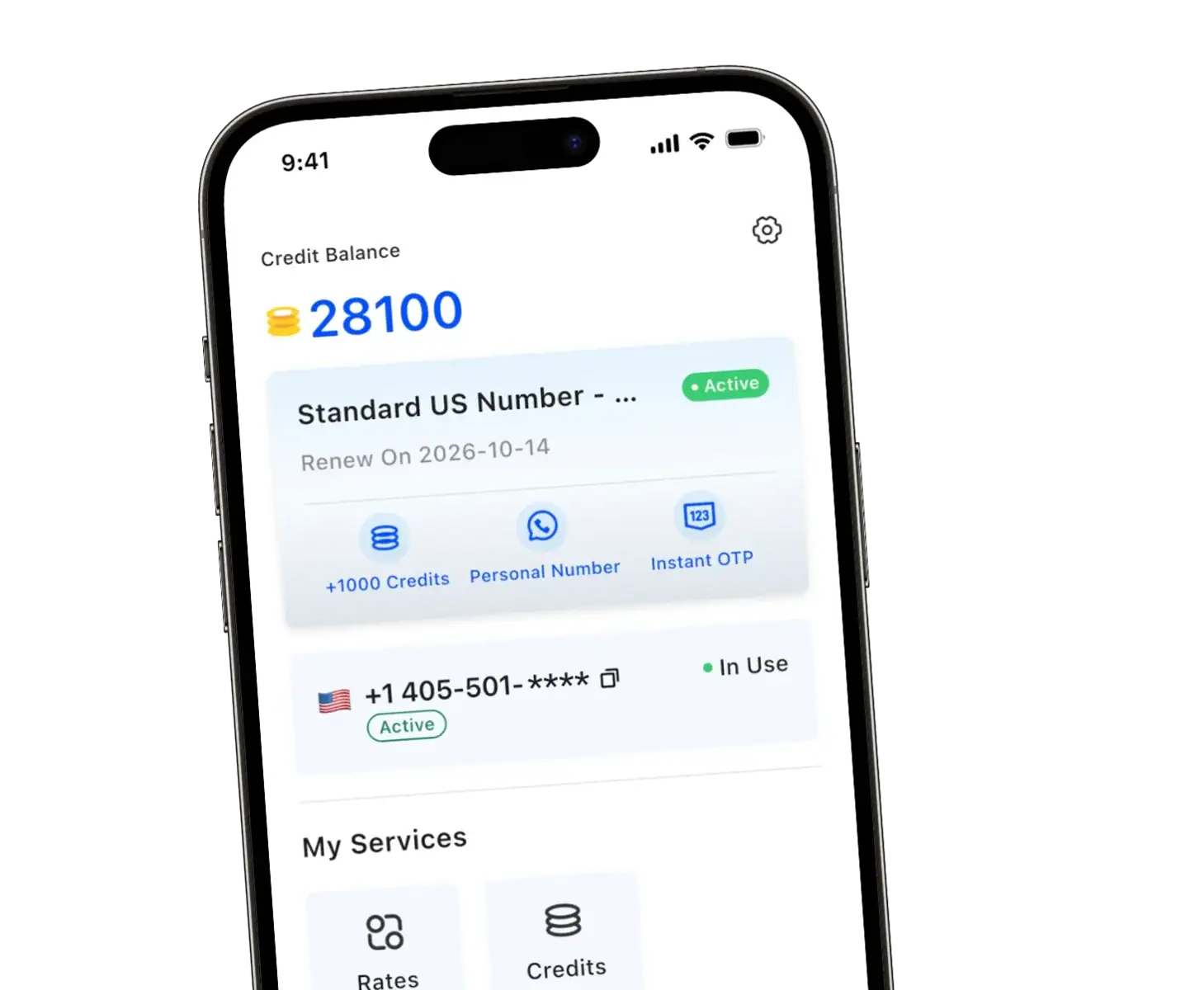
If you are tired of registration failures, TrueNumber is the reliable alternative. Instead of a generic VoIP line that gets blocked, it offers a secure, real mobile setup:
- Private second phone number for daily texts and calls.
- Smooth OTP verification designed for major social platforms.
- Real mobile numbers that work across the US, Canada, and Mexico.
TrueNumber provides real mobile numbers across the US, Canada, and Mexico, which is a very different setup from the disposable virtual number services that often fail on major platforms.
Why TrueNumber Is Different from Typical Virtual Phone Numbers
If you have been using a virtual line and getting nowhere, this is the key point: TrueNumber is not a random receive-SMS inbox. It provides real mobile numbers for ongoing use. TrueNumber is suitable for social apps, AI tool sign-ups, travel, and verification-related use cases.
That makes it a stronger fit if you want to:
- create an account with a second number
- separate your personal and business life
- keep your personal number private
- support WhatsApp Business or a standard whatsapp account
- maintain a more stable business contact channel
If you want to learn more about how a second number app works, this TrueNumber guide explains how a second number can support privacy, secure logins, and business contact management.
When TrueNumber makes sense
A real second number is especially useful if you want:
- a separate whatsapp account for work
- a dedicated business number
- better privacy for online registration
- a cleaner profile for client or customer support chats
- one number for personal and business communication without exposing your main line
For many users, that is the real win. You get a second phone identity without relying on unstable virtual phone numbers that are often blocked.
FAQs about WhatsApp Verification
Can I use a virtual phone number for WhatsApp?
Rarely. Most virtual phone numbers fail because WhatsApp’s registration flow expects an active, trustworthy mobile setup. Official guidance emphasizes that VoIP numbers are not supported.
Why does WhatsApp block my virtual number?
A block usually happens because the number looks temporary, unsupported, overused, or risky. If the platform cannot trust the number, the account may not pass verification.
Does WhatsApp Business accept a second number?
Yes, if the number is suitable and you control it properly. Many people use a separate number for a whatsapp business account so they can keep personal and business communication apart.
Is a real mobile number better than a virtual number for WhatsApp?
Yes. A real mobile number is usually a better fit for verification, long-term access, and account stability. That is the biggest limitation of many cheap virtual options.
Can I register with SMS or voice call instead?
Yes, WhatsApp typically offers SMS or call-based verification, but the number still needs to be active and able to receive the message or call reliably.
What should I do if I do not receive the verification code?
Check your SIM card, signal, country code, and internet connection. Make sure your phone can receive calls and messages in real time, then wait before retrying too many times.
A simpler way to get a working second number
TrueNumber is built for people who need a more reliable second phone identity for calls, texts, privacy, and verification. Instead of relying on generic virtual routes, it focuses on real mobile numbers designed for modern app use. TrueNumber can also support freelancers, teams, and customer-facing use cases. Start here: Get the App.