A legitimate business number can still show “Spam Likely.” Carriers and caller-ID services score identity, calling patterns, engagement, and recipient feedback. Fix the failing signal instead of immediately replacing the number.
What “Spam Likely” Actually Means
“Spam Likely,” “Spam Risk,” and “Potential Spam” are carrier or caller-ID warnings, not legal findings. The same call may appear normally on one network and carry a warning on another.
The label can change per call. Hiya evaluates number maturity, connection, engagement, and recipient sentiment; other analytics providers use different data and thresholds.
Caller authentication is separate. STIR/SHAKEN verifies authorization to use the displayed number, but an authenticated call can still receive a warning when reputation signals are poor.
Caller ID name, or CNAM, is also separate. Reputation registration does not set the business name displayed on recipients’ phones.
Why Your Business Number Gets Flagged
Analytics systems observe calling behavior and recipient reactions. These signals commonly explain why a business phone number shows as spam.
| Observed signal | Possible cause | What to check |
| Sudden call-volume spike | A campaign or automated dialing resembles abusive traffic | Calls per hour, repeat attempts, and campaign changes |
| Many short or unanswered calls | Recipients do not recognize the number or hear silence | Answer rate, call duration, abandoned calls, and dialer delay |
| Blocks and spam reports | Recipients did not expect the call or cannot opt out | Consent source, calling time, script, and suppression process |
| New or frequently changed number | Little history or suspected label evasion | Activation date and recent number rotation |
| Warning on only some networks | Providers have different reputation records | Carrier, handset, caller-ID app, exact label, and test time |
| Unexpected calls you did not make | Your number may be spoofed | Call logs, customer reports, and carrier records |
Stale lists and low-consent leads reduce answers while increasing blocks and complaints. Repeated attempts after no response can produce the same pattern.
Confirm Where the Spam Label Appears
Make controlled test calls to consenting recipients across networks and devices. Record the originating number, destination carrier, time, exact warning, handset, and caller-ID app.
- Check whether the warning appears on every network or only one.
- Compare the labeled calls with your outbound call logs.
- Ask your carrier or VoIP provider whether calls are signed with STIR/SHAKEN and what attestation they receive.
- Check the number in the reputation portals used by the affected network or device.
- Save screenshots and dates before requesting a review.
If reported calls are absent from your logs, secure the account, notify the provider, and document examples. The FCC accepts complaints under “unwanted calls/texts” and “my own number is being spoofed.”
Register the Number and Request a Review
Start with Free Caller Registry. It sends registration data to First Orion, Hiya, and TNS. Registration is free for businesses calling on their own behalf.
Prepare the legal name, address, website, business email, contact, call purpose, and monthly call estimate. Enter up to 20 numbers or upload a list.
Use accurate information and submit only numbers your business controls. Registration does not guarantee label removal because each provider analyzes calls independently. It also does not configure your Caller ID name.
Review the number in Hiya Connect and request label review if it is misclassified. Contact the provider behind any remaining network-specific warning.
There is no universal removal time. A correction at one provider may not change another provider’s label. Keep case numbers, retest the same networks, and follow up with evidence.
Fix the Calling Behavior Behind the Label
A review may correct bad data, but it will not compensate for unwanted calling. Improve the underlying signals before increasing volume.
- Call only people who gave valid consent for that purpose.
- Introduce the business and reason for calling immediately.
- Remove people promptly when they ask not to be called.
- Call at reasonable local times and avoid repeated attempts close together.
- Remove dead air, “please wait” messages, and abandoned dialer calls.
- Use one stable number for the same business function.
- Monitor answer rate, short calls, blocks, complaints, and opt-outs by campaign.
Do not rotate through fresh numbers when a label appears. New numbers lack reputation history, and repeated rotation can resemble deliberate label evasion. Correct consent, dialing, identity, and carrier configuration first.
The National Do Not Call Registry is not a removal tool for business callers. It helps consumers limit telemarketing calls; it does not clear a caller reputation warning from your number.
Use a Dedicated Business Line Responsibly
A dedicated line can keep customer conversations separate from your personal number and give recipients one consistent number to recognize. This is useful for freelancers, online sellers, service businesses, and small teams handling ordinary one-to-one calls and texts.
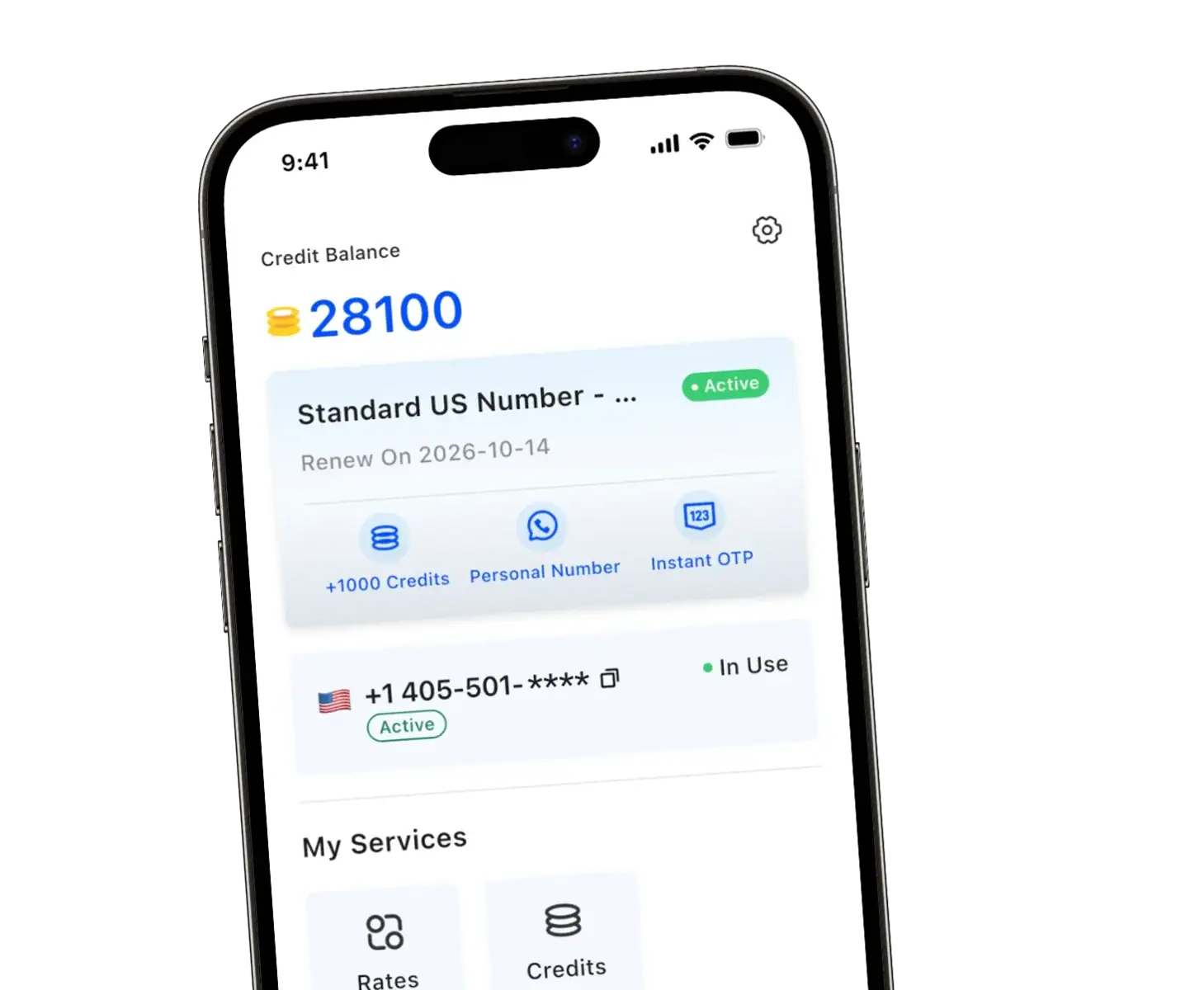
TrueNumber provides U.S. numbers for calls and messages, plus features such as auto-reply and a custom voicemail greeting. These tools can improve consistency when you cannot answer immediately, but they do not guarantee that a carrier will remove or avoid a spam label.
Use the line within the TrueNumber terms. The service prohibits spam, junk or bulk messages, call-center activity, and high-volume multi-person calling or messaging. You remain responsible for consent and compliance with applicable calling laws.
FAQs about Business Calls Showing Spam Likely
Why is my legitimate business number marked as spam?
Legitimacy is only one input. A new number, unusual volume, repeated unanswered calls, recipient reports, weak engagement, spoofing, or incorrect identity data can lower call reputation even when the business itself is real.
How long does spam-label removal take?
There is no guaranteed timeline. Each carrier and analytics provider maintains its own data, and labels can be recalculated per call. Submit accurate registration information, correct the calling behavior, track the case, and retest the affected networks.
Will STIR/SHAKEN remove “Spam Likely”?
Not by itself. STIR/SHAKEN authenticates caller-ID information. Spam labeling also uses reputation and behavioral signals, so an authenticated call can still display a warning.
Should I replace a number that has been flagged?
Usually not as the first step. A replacement number starts with little history, while the behavior that caused the warning may continue. Investigate spoofing, registration, consent, calling patterns, and provider configuration before changing a number customers already know.
Does Free Caller Registry set my business name?
No. The registry shares legitimate business and call-purpose information with participating analytics providers. Caller ID name is a separate service that must be configured through your carrier or communications provider.
Keep Business Calls Separate With TrueNumber
We built TrueNumber for compliant calls and texts that deserve a line separate from your personal number. Keep one recognizable business contact, use auto-reply and voicemail when you are unavailable, and avoid mixing customer conversations with private calls.
Download TrueNumber to set up a dedicated U.S. number, or contact the TrueNumber team for your tailored business number solutions.