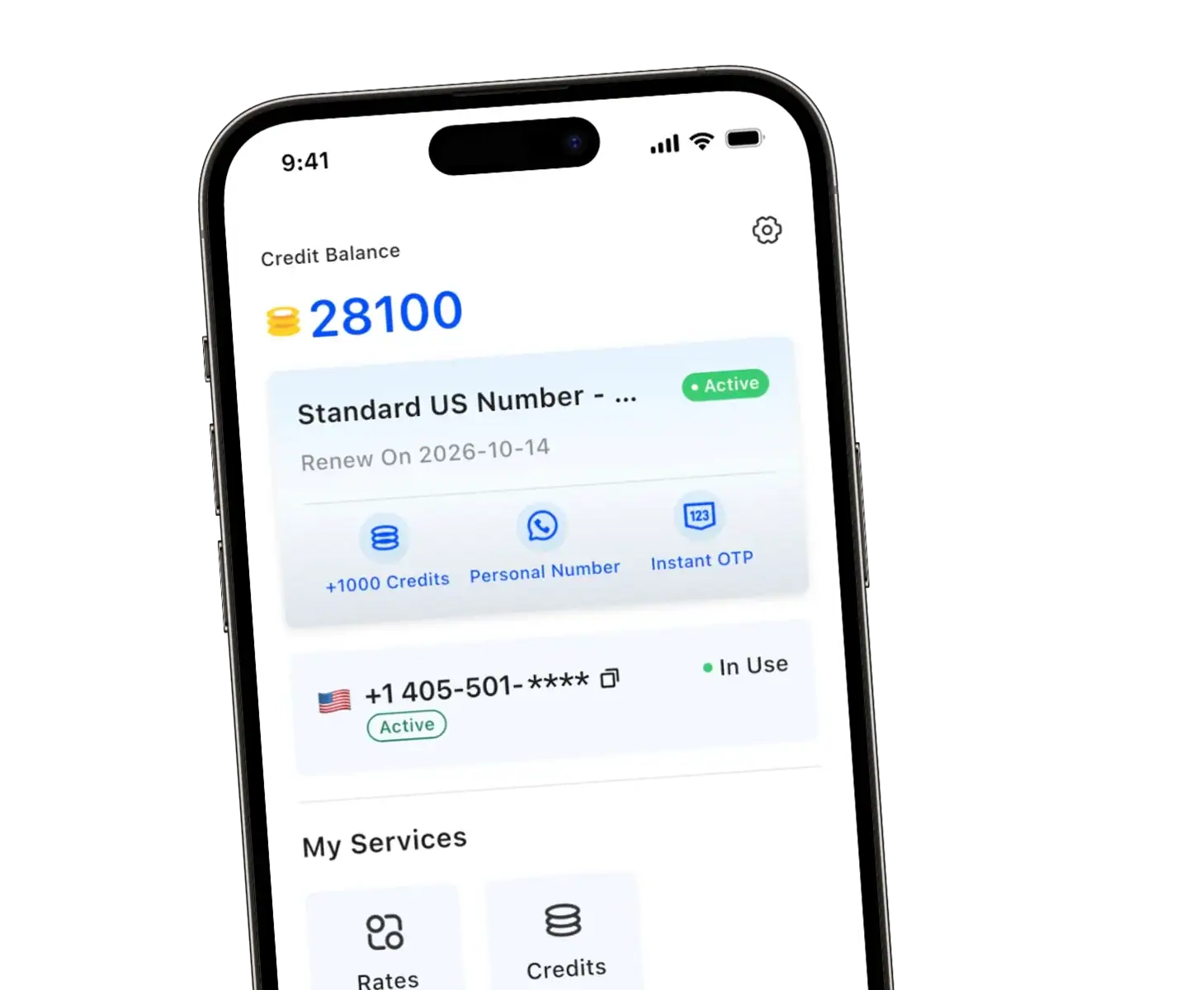
Calling from a different number is easier than you might think. Whether you want to keep your personal number private, separate work from personal life, or just need a temporary number for a specific purpose, there are several simple ways to do it.
The most common method is using a virtual phone number through apps like TrueNumber or other VoIP services, which let you make calls and send texts from a second number without needing an extra phone. You can also use a second SIM card, though this requires compatible hardware.
In this guide, you’ll learn about the benefits of each method, which tools work best for different situations, and how to use them responsibly. By the end, you’ll know exactly how to call from a different number in a way that fits your needs.
How to Call from a Different Number in 4 Steps
Want to call someone from another number without buying a second phone? The most reliable way is to place the call through a second phone number app. Here is how it works with TrueNumber:
- Get a second number. Download TrueNumber from the App Store or Google Play, choose a plan, and pick a US number. You can choose an area code that matches the people you call. No second SIM or eSIM is needed.
- Choose the line you call out from. Dial from inside the TrueNumber app, not from your phone’s built-in dialer, which always uses your SIM number. If you have more than one TrueNumber, check which number is selected before you dial.
- Make a test call. Call another phone you own or a friend who knows to expect it. Calls go over WiFi or mobile data, and TrueNumber can call numbers in the US, Canada, and Mexico.
- Check the number the other person sees. The phone you called should show your TrueNumber, not your personal number. If your real number appears, the call went through your regular dialer, so go back to step 2. If your calls get labeled as spam, see why calls show “Spam Likely”.
Only need to hide your number for one call? On many US carriers, dial *67 before the number. The other person sees “Private” or “No Caller ID” instead of a number, and it usually applies to that call only. Learn more in our guide to hiding your phone number. Either way, only call from numbers you own: showing someone else’s number is spoofing, and it can be illegal.
Essential Reasons to Call from a Different Number
People call from a different number for four main reasons:
- Privacy: keep your real number away from online buyers, new dates, and strangers.
- Work–life separation: give clients a line you can ignore after work hours.
- Travel and short-term needs: use a temporary number for a trip or project.
- Less spam: many sites require phone verification; a second number keeps the marketing calls that follow off your main phone.
Popular Methods for Calling from a Different Number
Each way to call from a different number changes what the person you call sees:
| Method | What they see | Best for |
|---|---|---|
| Virtual number app (TrueNumber, Google Voice) | The app’s number | A second line on your current phone, no extra hardware |
| Second SIM or eSIM | The SIM you pick for that call | Two carrier lines on a dual-SIM phone |
| Business phone system | Your company number | Teams that need call routing and analytics |
| Call forwarding | No change: it only redirects incoming calls | Getting one number’s calls on another phone |
When you call from the US, almost all Google Voice calls to the US and Canada are free.
Best Apps and Services for Calling from a Different Number
Before picking an app to call from a different number, compare:
- Features: SMS, call recording, and voicemail transcription, or basic calls only.
- Pricing: monthly fee or pay-as-you-go credits; international rates vary a lot.
- Privacy: whether calls and texts are encrypted.
- Call management: voicemail, call forwarding, and auto-reply; for business, professional greetings and call routing.
Why TrueNumber is the Ideal Choice
If you want a simple, powerful way to call or text from a different number without giving away your real one, TrueNumber is built exactly for that. It combines private calling, secure messaging, and multiple virtual numbers in a single, easy‑to‑use app.
- Anonymous Calls: You can make calls without revealing your real phone number, giving you complete privacy.
- Secure Messaging: Send and receive texts, images, and voice messages through your private number, keeping them separate from your main messaging app.
- Multiple Numbers in One App: Easily get and manage different phone numbers for various needs—like work, online shopping, or dating—all in one place.
- Receive Verification Codes: Use your private number to sign up for online platforms like Facebook and Twitter, protecting your real number from spam.
- Auto-Reply Feature: Set up automatic text replies to let callers know when you are busy, ensuring you never leave them hanging.
- Custom Voicemail Greetings: Create a unique voicemail greeting for each of your numbers to provide a professional and personalized experience for your callers.
Frequently Asked Questions
Can you explain the steps to set up call spoofing?
Call spoofing involves technical methods that can be illegal. We don’t recommend or explain how to spoof numbers. Instead, use legitimate virtual number services that assign you a real, working phone number. These services are legal and protect your privacy without deception.
Are there any legal concerns when using a different number for calling
Using a different number is legal when you’re protecting your privacy. However, you can’t use it for harassment, fraud, or illegal activities. Some states require you to identify yourself when asked. Always follow telemarketing laws if you’re calling for business purposes.