To stop spam texts, turn on message filtering, report suspicious senders, and unsubscribe from businesses you recognize. Keep verification codes and important contacts reachable by checking filtered folders and notification exceptions before tightening your settings.
Choose the Right Action for Each Text
A delivery update from an unfamiliar number isn’t automatically spam. Before blocking it, check your order through the retailer’s app or website.
Filtering, blocking, and muting do different jobs. Filtering sorts messages, blocking restricts a sender, and muting quiets notifications. Muting alone doesn’t identify scams.
| What arrived? | Best first step | What to preserve |
| A suspicious payment link or unexpected prize | Don’t interact; report it | Evidence if you need to report fraud |
| Promotions from a store you recognize | Change marketing preferences or unsubscribe | Order and account notifications you still need |
| A legitimate message in a filtered folder | Restore the conversation | Future messages from that verified sender |
| A wanted conversation that’s too noisy | Mute that conversation | The conversation itself |
How to Stop Spam Texts on iPhone
On newer iOS versions, open Messages, tap the filter button in the conversation list, then choose Manage Filtering. Turn on Screen Unknown Senders.
Next, open Allow Notifications and enable the available categories you need, such as verification codes. Options vary by region and software version.
If your phone uses older menu labels, look for Filter Unknown Senders in Messages settings. Follow the controls shown on your device.
Apple’s message-filtering guide explains how to review Unknown Senders and mark legitimate senders as known. You can also add verified contacts.
That review matters when you’re expecting a recruiter, repair technician, or delivery driver. Their first message may come from a number you haven’t saved.
For an unwanted sender, open the conversation, tap their icon, choose Info, and look for Block Contact. Apple notes that reporting spam alone doesn’t block future messages.
How to Stop Spam Texts on Android
If you use Google Messages, check its spam protection rather than assuming your phone’s call-blocking settings also control texts.
- Open Google Messages and tap your profile picture or initials.
- Choose Messages settings.
- Open Protection & Safety, then Spam protection.
- Turn on Enable spam protection if available.
Google’s spam-protection documentation notes that availability depends on your device. Menu wording may differ between app versions.
To block a particular sender, touch and hold the conversation, then select Block. Review any reporting checkbox before confirming.
These instructions apply to Google Messages. If you use another messaging app, check that app’s filtering controls instead of hunting for an identical menu.
Report Scams, Unsubscribe From Real Businesses
Use different responses for suspicious texts and recognizable subscriptions. A fake bank warning and a store’s unwanted discount campaign shouldn’t get the same treatment.
For a suspicious text, don’t reply, follow its links, or use its callback number. Check the claim through a website, app, or contact number you already trust.
The FTC recommends reporting spam texts through your messaging app or forwarding them to 7726 (SPAM). You can also report scams at ReportFraud.ftc.gov.
For a genuine subscription, use the business’s official communication preferences. If you recognize the sender and the program, its STOP instruction may be appropriate.
Where available, Google Messages offers an Unsubscribe option for business senders. Requested messages such as boarding passes or one-time passwords may still arrive afterward.
Don’t assume that behavior applies to every SMS subscription. Before opting out of a service you rely on, check which notifications you’re disabling.
Check for Important Messages After Filtering
Try this quick check before deciding your new settings work:
- Test a known contact: Ask someone you trust to send a fresh message.
- Check an expected code: Request one through a service you normally use, then check its arrival and notification.
- Review filtered folders: Look for a legitimate conversation that landed outside your main inbox.
- Check alerts separately: A message can arrive without making a sound.
On iPhone, check Unknown Senders. If your version also has a Spam folder, review it separately and use Not Spam for a mistaken classification.
In Google Messages, open Spam & blocked from the profile or options menu. Select a mistakenly blocked contact and tap Unblock.
Google’s unblocking instructions explain that this returns the conversation to the Home screen. For a spam warning, use Report not spam where offered.
If a needed message still doesn’t arrive, contact the service through its official support channel. Don’t repeatedly change unrelated settings or assume every missing code was filtered.
Reduce Where You Share Your Main Number
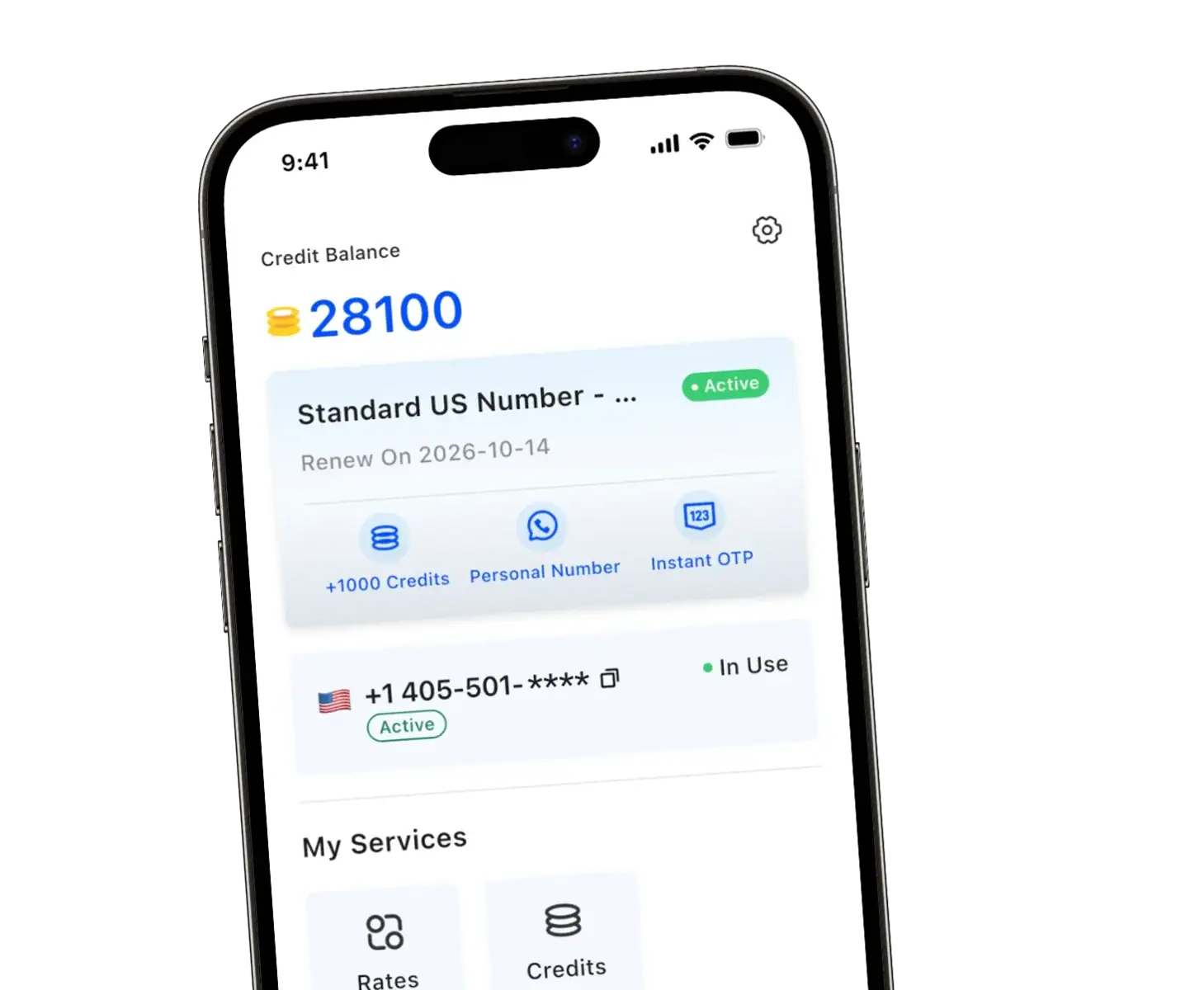
You don’t need to give every store, online seller, or new contact your personal number. With TrueNumber, you can use a separate US number while keeping your main line for people you trust.
We let you make and receive calls, send and receive texts, and handle verification needs—without an extra SIM card. Use your second number for marketplace listings, shopping signups, or customer inquiries, all from an app.
Whether you need a number for a short project or ongoing communication, we offer flexible short-term and long-term use.
Explore TrueNumber and give new contacts a way to reach you while keeping your personal number private.
FAQs about Stopping Spam Texts
Can I stop every spam text permanently?
No setting guarantees that. Combine filtering, selective blocking, reporting, and careful number sharing. Review your setup when unwanted messages or missed notifications change.
Should I reply STOP to spam texts?
Use STOP for a recognizable, legitimate subscription when appropriate. Don’t reply to suspicious messages just because they include an unsubscribe instruction.
Will filtering unknown senders hide verification codes?
It can affect where messages appear and whether you’re notified. Check available notification exceptions and test a code before relying on your setup.
Does reporting a text also block the sender?
It depends on the app and action. Apple separates reporting from blocking; Google Messages can combine them. Read the confirmation before tapping.
Keep Your Main Number More Private With Us
At TrueNumber, we provide US second phone numbers for calls, texts, and verification needs without a SIM card. Use a separate number for contacts who don’t need your main line.
Explore our TrueNumber features, or contact us for help choosing how to use your second number.